
What chamfering means
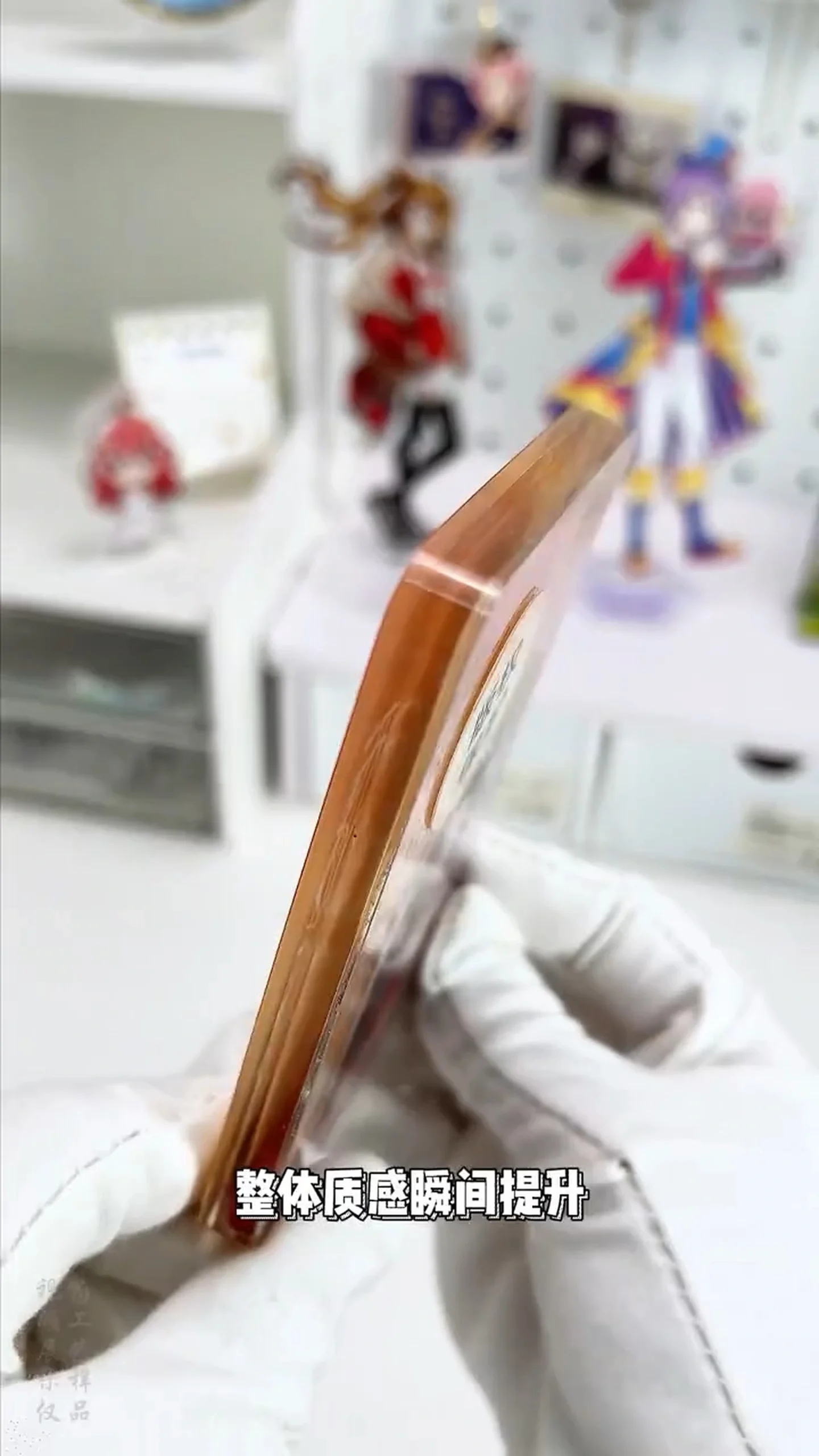
Chamfering removes a flat bevel or rounded radius from an acrylic edge. For custom goods, it changes reflection, outline and tactile feel. A buyer should specify the geometry, finish and acceptance method separately rather than rely on words such as “premium” or “smooth.”
Appearance
Controls edge reflection and outline, especially on thicker acrylic.
Handling
Reduces the sharp feel and lets the sample define the intended touch.
Repeatability
Locks the drawing, tooling setup, fixtures and inspection criteria as one package.
Do Not Confuse a Chamfer, Radius, Edge Break and Deburring
Usually a flat 45° face. A C value may be used where the drawing standard and supplier convention support it.
A rounded profile controlled by an arc radius such as R0.5.
An instruction to remove the sharp edge slightly. Add a numeric requirement when the visible size matters.
Removes projections left by machining; it does not define a finished chamfer or radius dimension.
WHO SHOULD READ
Who Should Share This Specification?
Edge geometry affects drawings, quotes, sample approval and mass-production inspection—not only appearance. These teams should use the same specification to reduce gaps with the factory.
Convert “premium” or “rounded” into an approvable profile and visual limit sample.
Select the profile and finish for limited editions, commemorative items and thick acrylic goods.
Compare quotes using the same material, machining scope, quantity and packaging inputs.
Show the chamfer/radius, non-45° angle, one/two sides and exclusions on the drawing.
Judge dimensions, tool marks, burrs, chips, stress whitening and clarity as separate items.
Lock tooling, fixtures, finishing, measurement and the approved revision for production.
Bevel vs. radius edge
A bevel creates a sharper outline and directional reflection; a radius creates a continuous rounded highlight. Replace subjective words such as “premium” with a profile and dimension that suppliers can quote and inspect.
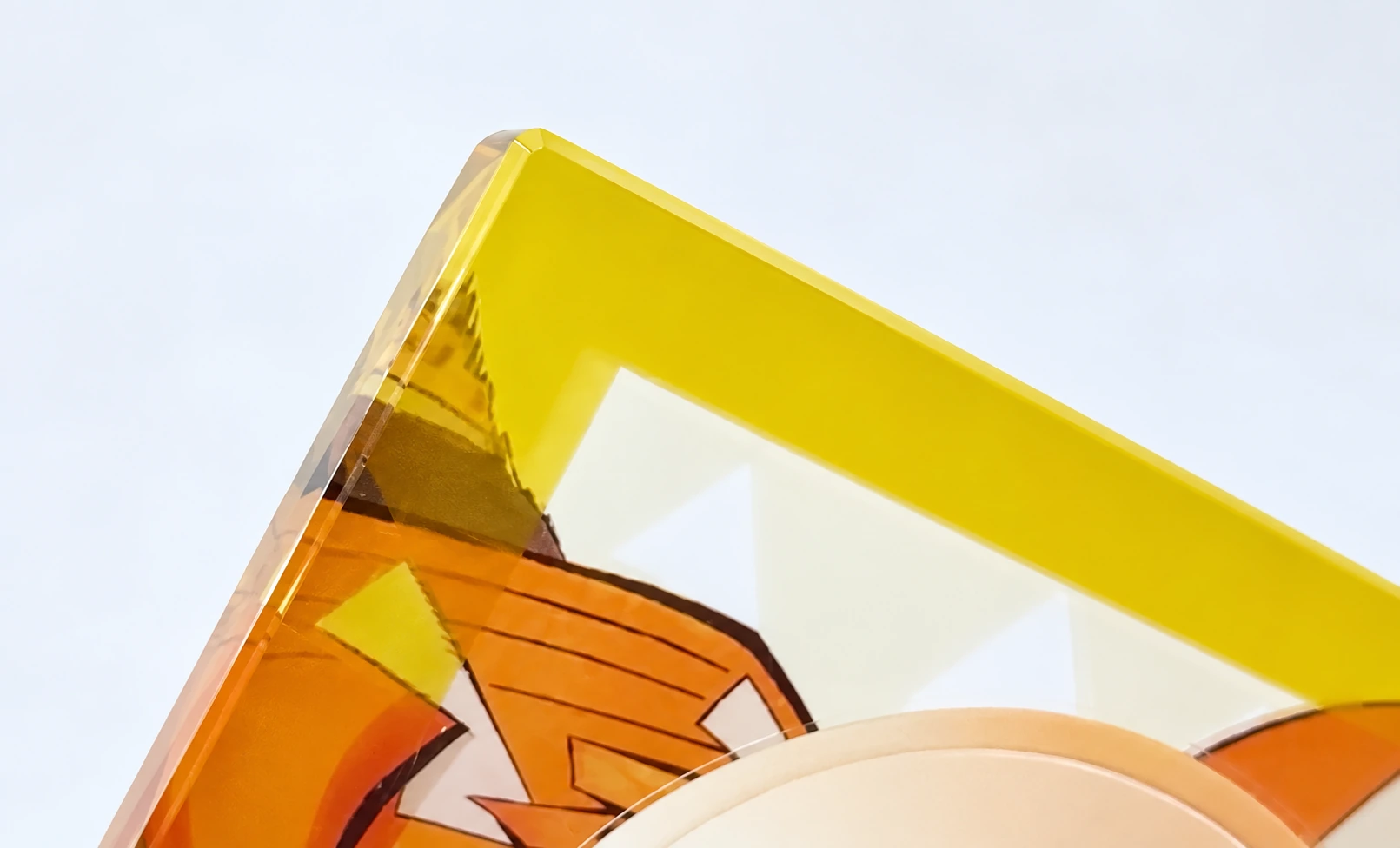 Crisp, geometric appearance
- Hard, defined edge line
- Works well with logos, lettering and geometric shapes
- Straightforward to control with dimensions
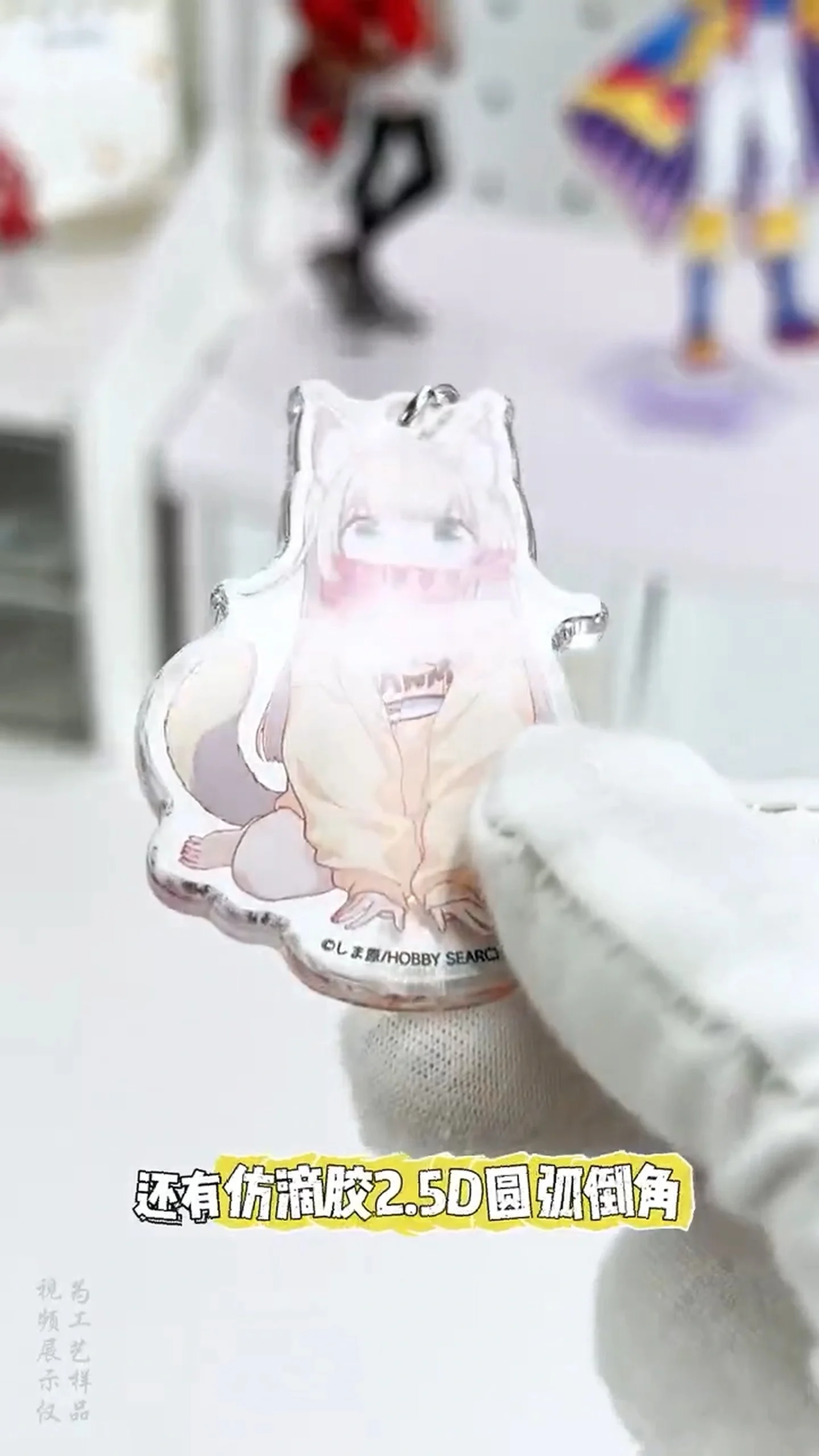 Smooth, softer appearance
- Continuous rounded outline
- Works well with characters and soft silhouettes
- Helps reduce the sharp feel when handled
| Item | Bevel (flat chamfer) | Radius (rounded edge) |
|---|---|---|
| Profile | 45° | R |
| Visual effect | Crisp, geometric appearance | Smooth, softer appearance |
| Common callout | C0.2 / C0.3 / C0.5, subject to drawing convention | R0.2 / R0.3 / R0.5, etc. |
| Typical design fit | Logos, lettering and angular shapes | Characters and soft silhouettes |
DRAWING NOTE
Five Drawing Instructions That Prevent Quote Gaps
Place the geometry, machining scope and acceptance method in the same drawing or specification—not just a profile symbol.
C0.5A supplier-facing shorthand for the reference size produced on a 45° bevel; it does not necessarily mean the sloped-face length is 0.5 mm. Confirm the drawing standard.
R0.5Specifies the arc radius. Review its proportion against the actual sheet thickness.
2 × 30°For a non-45° bevel, show size × angle, for example 2 × 30°, rather than relying on C shorthand.
Front only / both sidesMark the outer perimeter, holes, print side and excluded areas with arrows or a highlighted scope.
State tolerance separatelyA chamfer or radius value does not automatically set tolerance. Agree the allowable deviation and measurement position for critical features.
A Practical CNC Chamfering Process
For custom acrylic goods, CNC edge machining should be reviewed on a sample made from the actual material before the appearance is locked for production.
CNC edge-machining flow
The CNC program and fixture are prepared around the approved geometry and artwork constraints.support the character
and the product design.
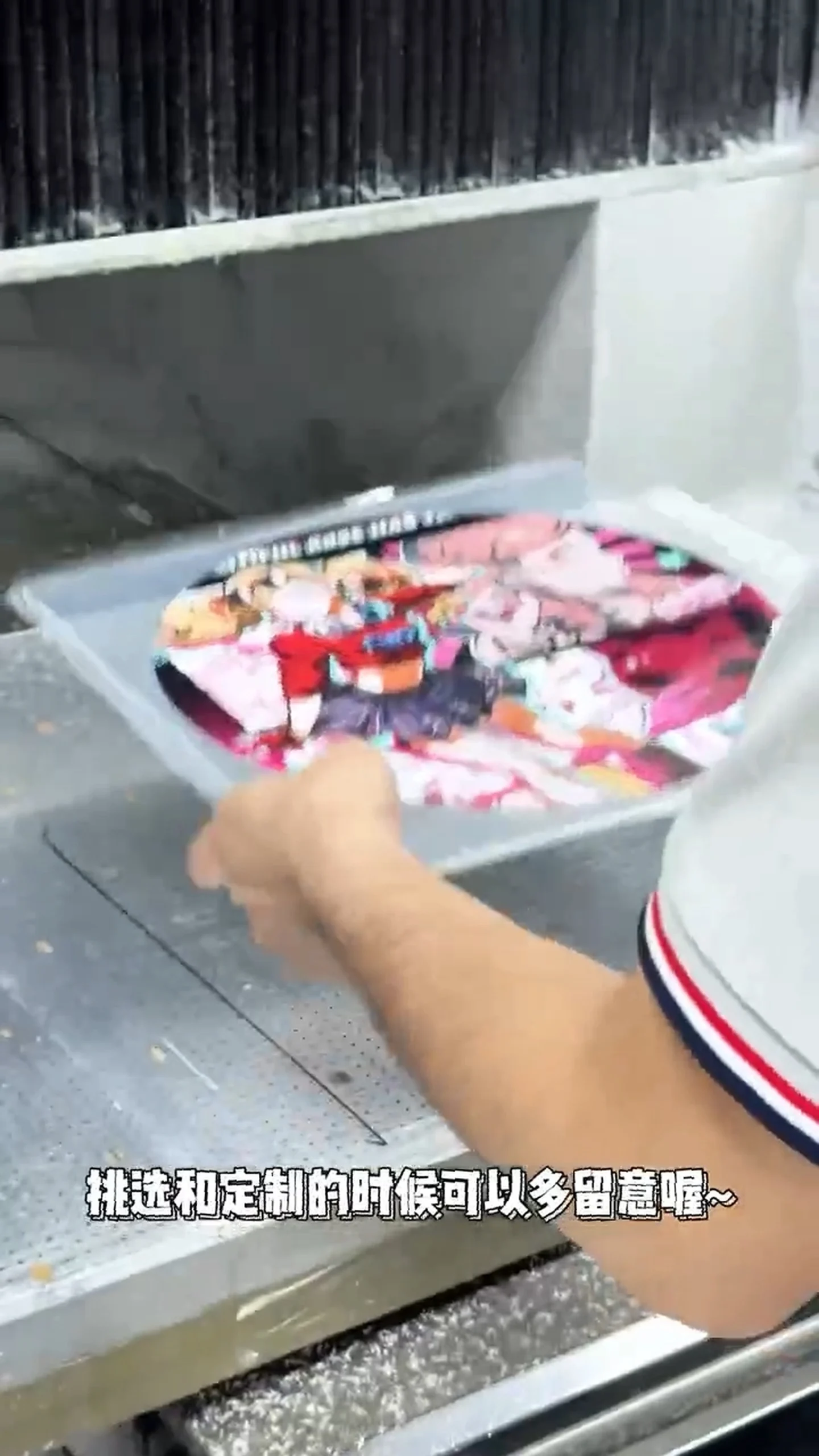
01Prepare the acrylic part
Prepare the sheet and printed part for the approved design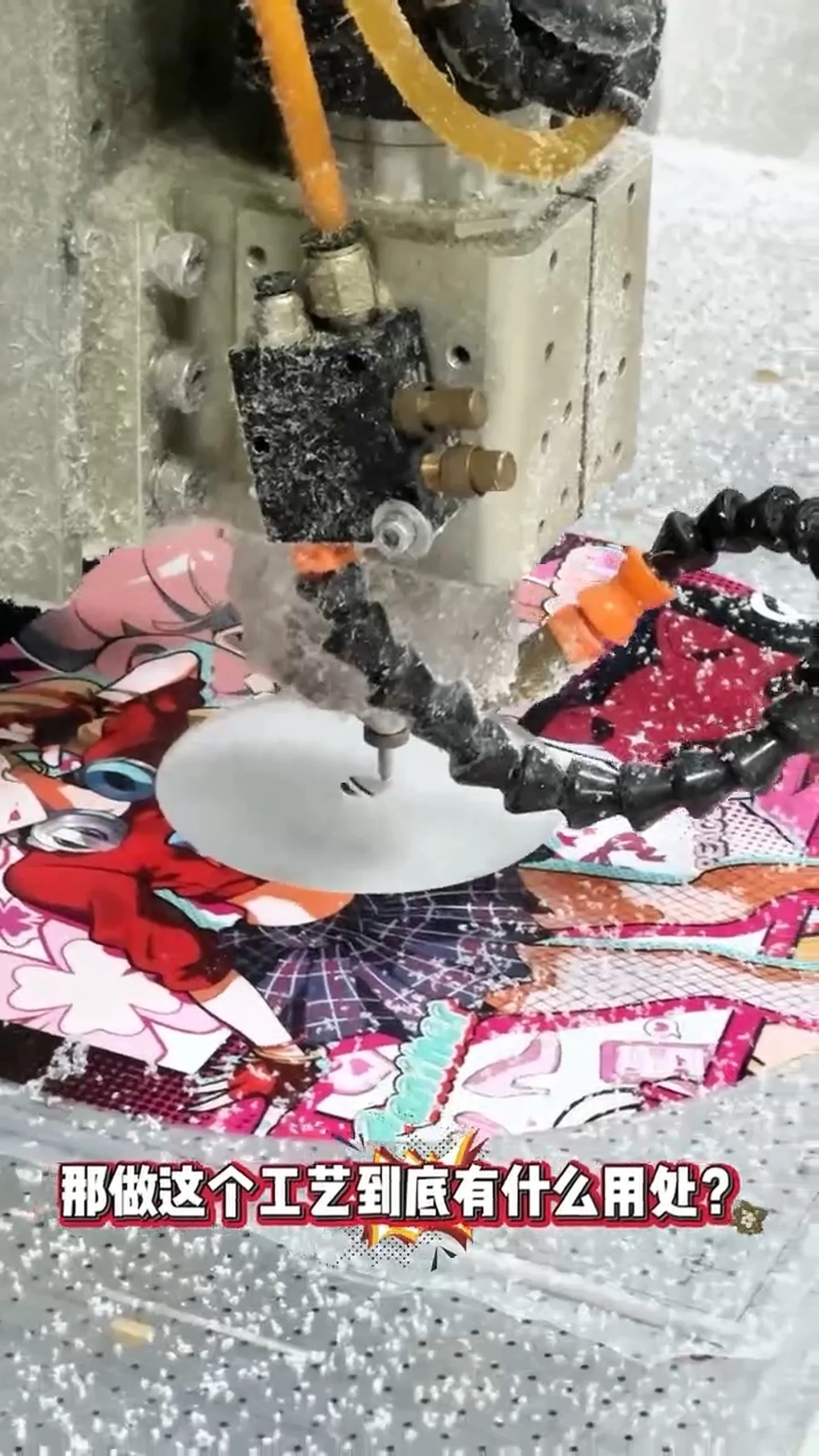
02Machine the edge by CNC
Cut the specified bevel or radius using the approved program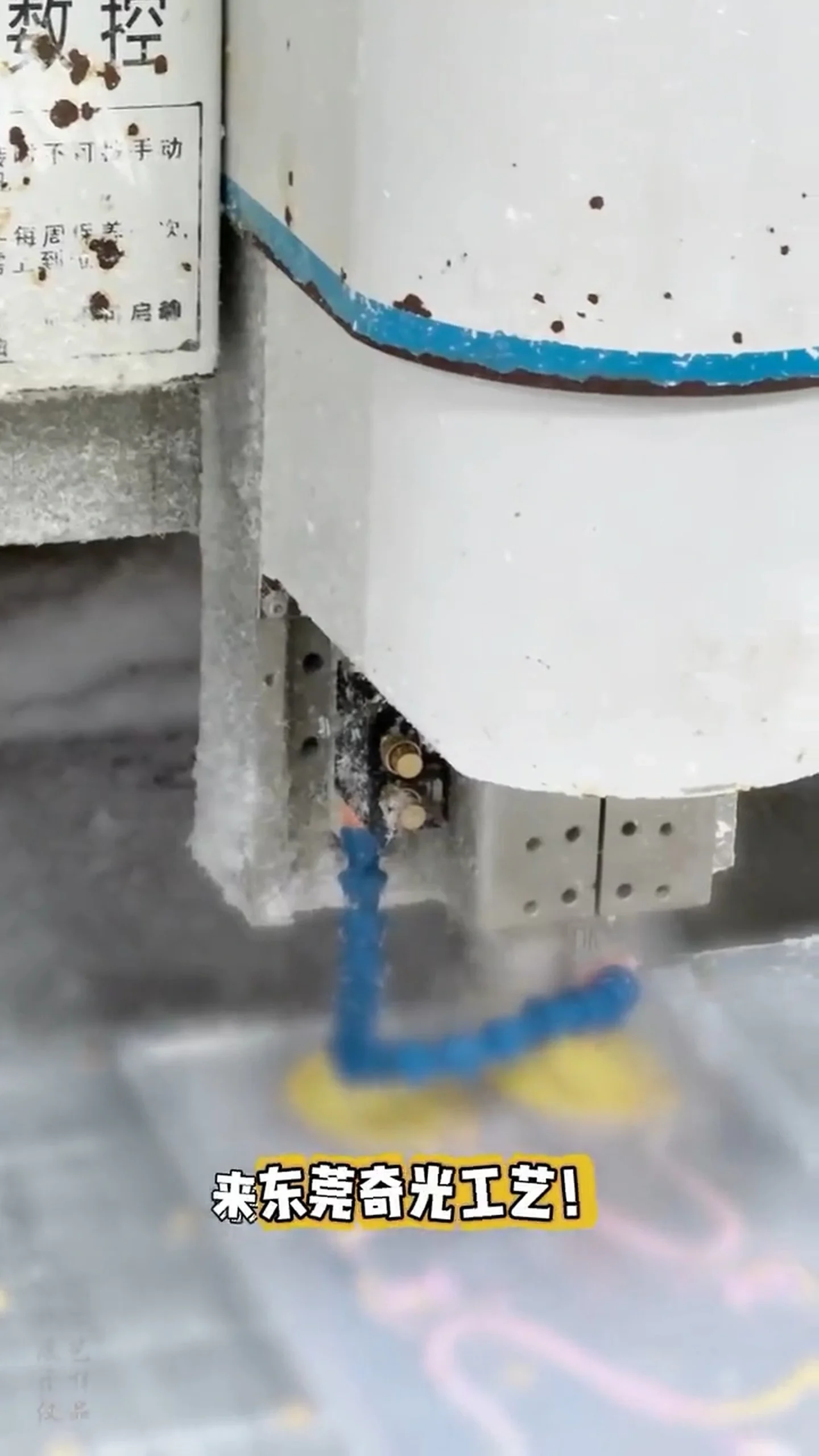
03Inspect the machined edge
Check profile, tool marks, chips and overall appearance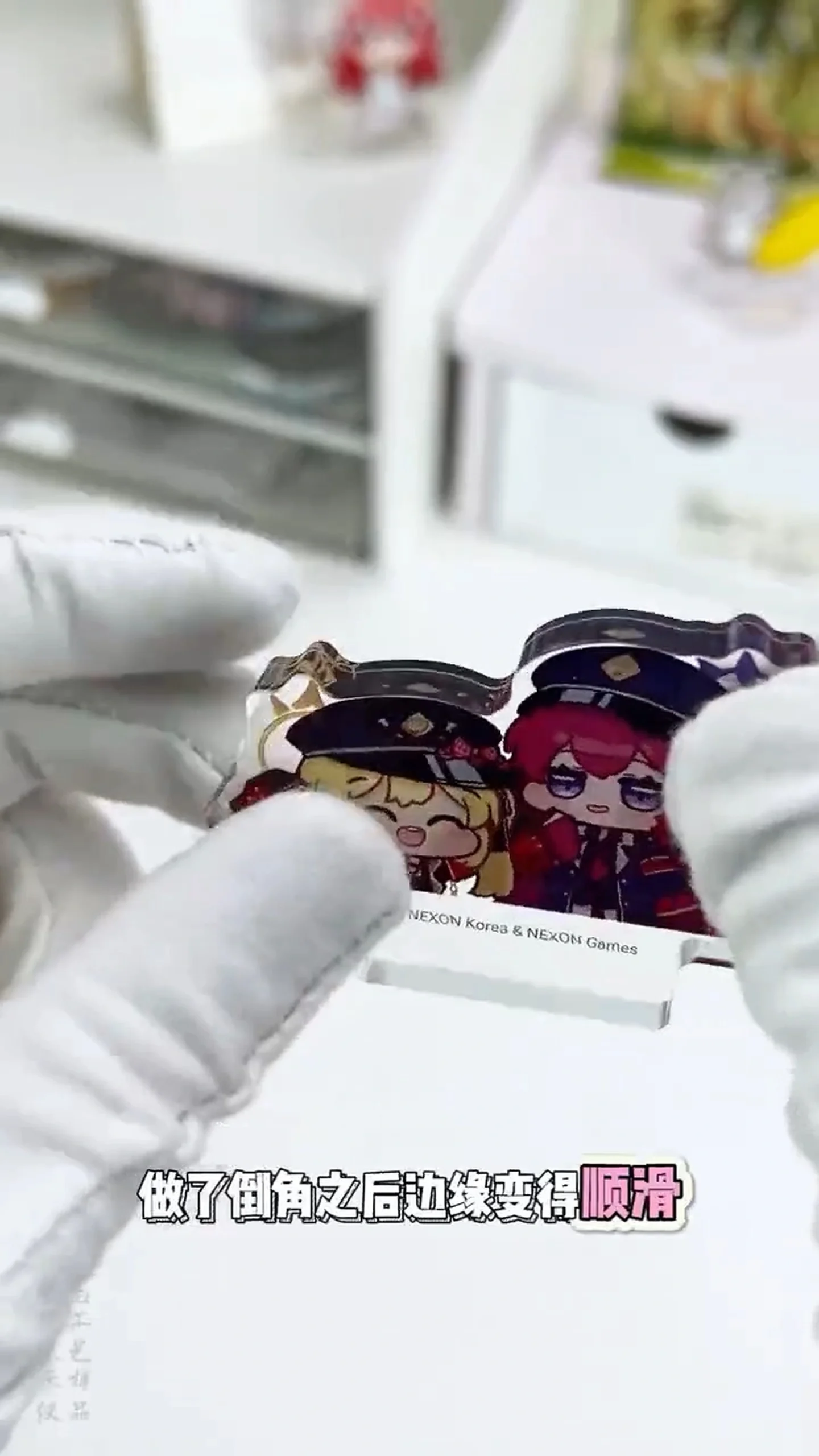
04Release the approved sample
Record the approved revision before mass productionThe video does not reveal tool diameter, spindle speed, feed, cooling, tolerance or material grade. These must be confirmed with the supplier and an actual-material sample.
Choose the Post-Machining Edge Finish Separately
As-machined
Shortest process routeTool marks or a translucent cut surface may remain. If the edge is visible, define acceptable striations and whitening with an approval or limit sample.
Wet sanding
Refines roughness in stagesSanding with water can control heat and loading. Confirm grit sequence, sanding direction and the acceptable remaining haze on a sample.
Sanding plus polishing
Additional process for higher clarity or glossBuffing or another polishing step may follow sanding. Quote it as a separate finish level because it adds processing and appearance inspection.
Localized overheating can contribute to internal stress or surface damage. Select the finishing method around the material, thickness, print and geometry.
“2.5D” Is Not a Production Specification
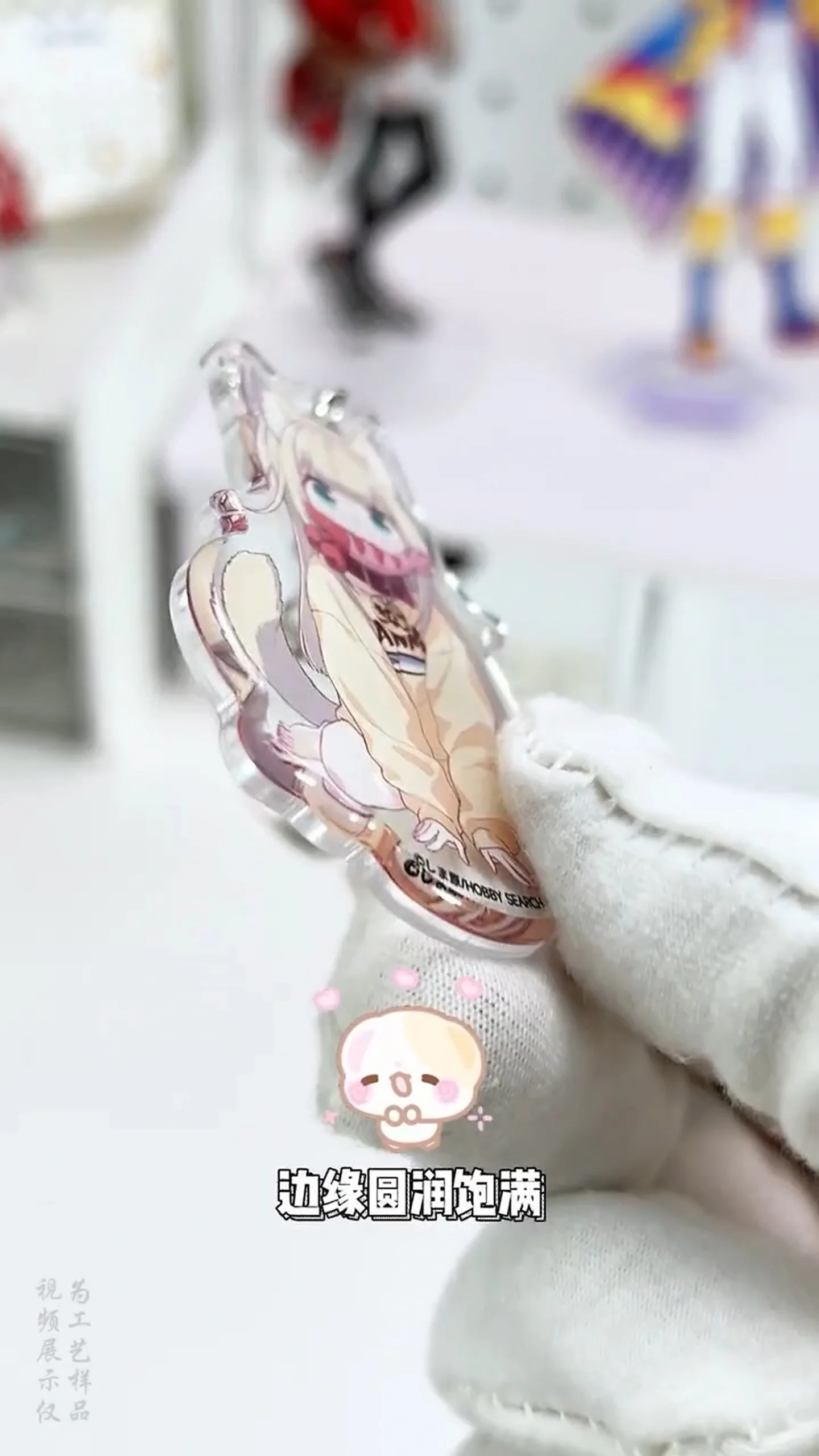
not a complete manufacturing requirement.
Words such as “2.5D,” “dimensional bevel” or “smooth edge” may communicate a visual direction, but they do not define production. Before mass production, lock the bevel or radius value, machined side, required clarity, acceptable tool marks and approved sample.
Quality and inspection
Do not approve by appearance alone. Review dimensions, surface condition and interference separately, then record measurement positions, sampling quantity, the approved sample and any visual limit sample.
| Item | Evidence scope | Acceptance record |
|---|---|---|
| Chamfer / radius dimension | Face width, radius and angle at the specified location | Drawing tolerance, measurement location and method |
| Tool marks & burrs | Striations, catches and residual burrs | Approved sample and visual limit sample |
| Chipping & whitening | Edge chips, stress whitening and fine scratches | Viewing distance, lighting and defect limit |
| Clarity & gloss | Cut-face haze, reflection and polishing variation | Comparison with the specified finish level |
| Print and hole interference | Distance from print edges, holes, hardware and narrow outlines | Check against the drawing and assembled sample |
| Lot repeatability | Variation in machined faces and appearance | Record sampling quantity and approved revision number |
Use Non-Contact or 3D Profile Measurement for Critical Chamfers
Face width, angle and steps that are hard to judge from projection alone can be checked with non-contact profile measurement or 3D data. Record measurement locations, sampling quantity and the comparison method against CAD or the approved sample.
Tolerances and appearance limits vary with geometry, thickness, quantity and finish. Agree the final criteria in the project drawing, approved sample and visual limit sample.
Eight Variables That Change Cost and Lead Time
| Variable | What to provide before quotation | Why it matters |
|---|---|---|
| Material type | Clear, colored or white acrylic; material grade | Changes machinability and appearance requirements |
| Sheet thickness | Actual thickness for each SKU | Changes tool choice, passes and finished proportion |
| Total machined edge length | Included outer perimeter and hole edges | Affects machining time and inspection points |
| Shape complexity | Fine details, recesses, small holes and excluded areas | Affects tool access and fixture design |
| One / two sides | Front/back scope and print side | Changes flipping and repositioning operations |
| Finish level | As-machined, wet-sanded or polished | Changes extra processing and appearance inspection |
| SKUs & quantity | Quantity per SKU and total production quantity | Affects setup count and fixture quantity |
| Revisions, packaging & delivery | Sample revision rounds, individual packing, destination and target date | Affects approval work and logistics conditions |
10-Point Chamfering RFQ Checklist
Include these items in the request for quotation. Mark undecided items as “supplier recommendation requested,” and attach reference photos plus use conditions so proposals can be compared on the same basis.
Sample approval flow
Approve the actual-material sample before releasing the design to mass production.
Review the edge profile against use, artwork and thickness
Produce an actual-material sample for approval
Check profile, feel, finish, printing and interference
Use the approved revision and acceptance record for production
Frequently asked questions
Neither is universally more premium. A bevel produces directional reflection and a geometric outline; a radius produces a continuous highlight and rounded feel. Choose with an actual sample that matches the design, thickness, lighting, print and use.
It is useful as a visual reference, but not as a production specification. Add a profile drawing, radius or chamfer size, machined side, finish level, acceptable tool marks and sample-approval criteria.
Chamfering creates geometry. Edge clarity also depends on the material, tool, machining conditions and later finishing, so specify the required appearance separately.
It may be feasible depending on geometry and thickness. Use the sample to check repositioning, print/protective-film damage, remaining edge thickness, and clearance from holes or narrow outlines.
Approve material, thickness, profile, chamfer/radius size, machined side, clarity, tool marks, chips, print position, scratches, protective film and packaging. Record the approved revision and any visual limit sample as the production reference.
An edge break usually means removing the sharp edge slightly and may not define one visible dimension. A dimensioned chamfer defines a flat beveled face. When appearance or assembly matters, show its size/angle, exact scope and one- or two-sided requirement on the drawing.
No. A chamfer callout gives a nominal geometry under an agreed drawing convention; it does not automatically establish tolerance. For critical chamfers, agree the measurement position, allowable deviation, method and approval/limit sample before quotation.
The main variables are material and thickness, total machined edge length, shape complexity, one- or two-sided work, sanding/polishing level, SKU mix and quantity, sample revisions, packaging and delivery conditions. Quote them with the drawing rather than assuming one fixed price or standard lead time.
Request a quote
From specification review and samples to mass production, CharacterCraftGift supports custom acrylic merchandise projects.
If the drawing is incomplete, start with the intended use, geometry and quantity.