
Color family
Approve the physical material code and acceptable observed range.
B2B OEM / TINTED ACRYLIC MATERIAL
Create custom colored acrylic stands with a controlled sheet tint, transparency level and material lot. Approve the color code, thickness, artwork contrast, white-ink strategy, body-to-base relationship, packaging and color-consistency checks before bulk production.
Colored acrylic intent belongs to pigment or tint in the acrylic material. Printed color on a clear sheet, aurora color shift and holographic optical motifs remain separate topics.
PRODUCT DEFINITION
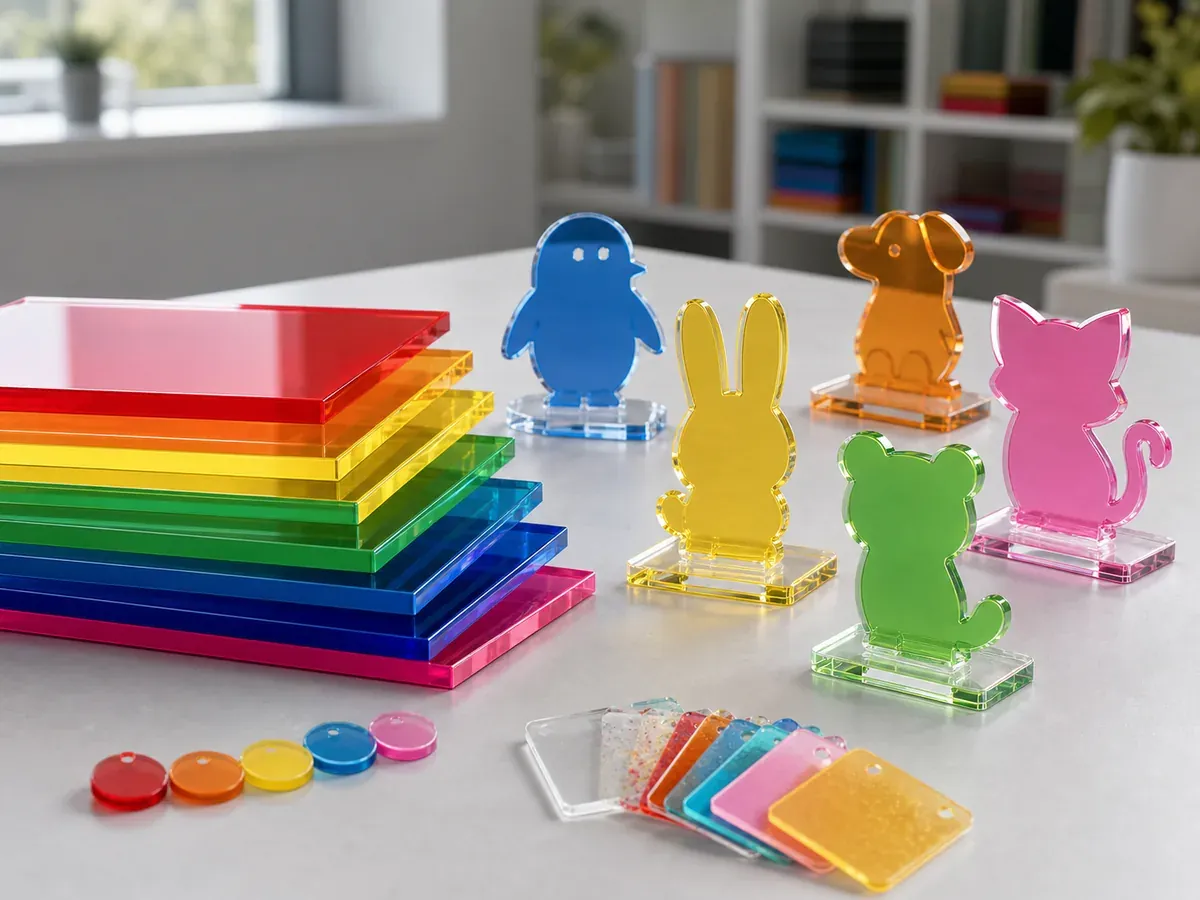
Colored acrylic stands use acrylic sheet whose body carries a transparent, translucent, opaque, fluorescent, glitter or other specified color. The material affects every unprinted area and can change how printed colors, white ink and the cut edge appear.
A monitor value or Pantone reference can guide the desired family, but it does not fully define a transparent plastic material. Thickness, lighting, background and sheet lot influence the observed result. Approve a named physical swatch and production-intent sample.
This page owns colored sheet selection, material-code control, body/base color relationship and lot consistency. It does not target color correction in UV printing, smooth aurora shifts or patterned holographic finishes.
For general body sizes, print, base and supplier selection, use the Custom Acrylic Standees page.
PROJECT DECISIONS
The product name is not a complete specification. Record the material or structure decisions that create this page's distinct buyer intent.
Approve the physical material code and acceptable observed range.
Choose transparent, translucent or opaque behavior for the intended artwork.
Use matching, contrasting or clear components and record the rule by SKU.
Adjust white ink and color artwork so details remain readable on the selected tint.
SPECIFICATION CONTRACT
Connect artwork, material, body, base, packaging and SKU data in one controlled revision.
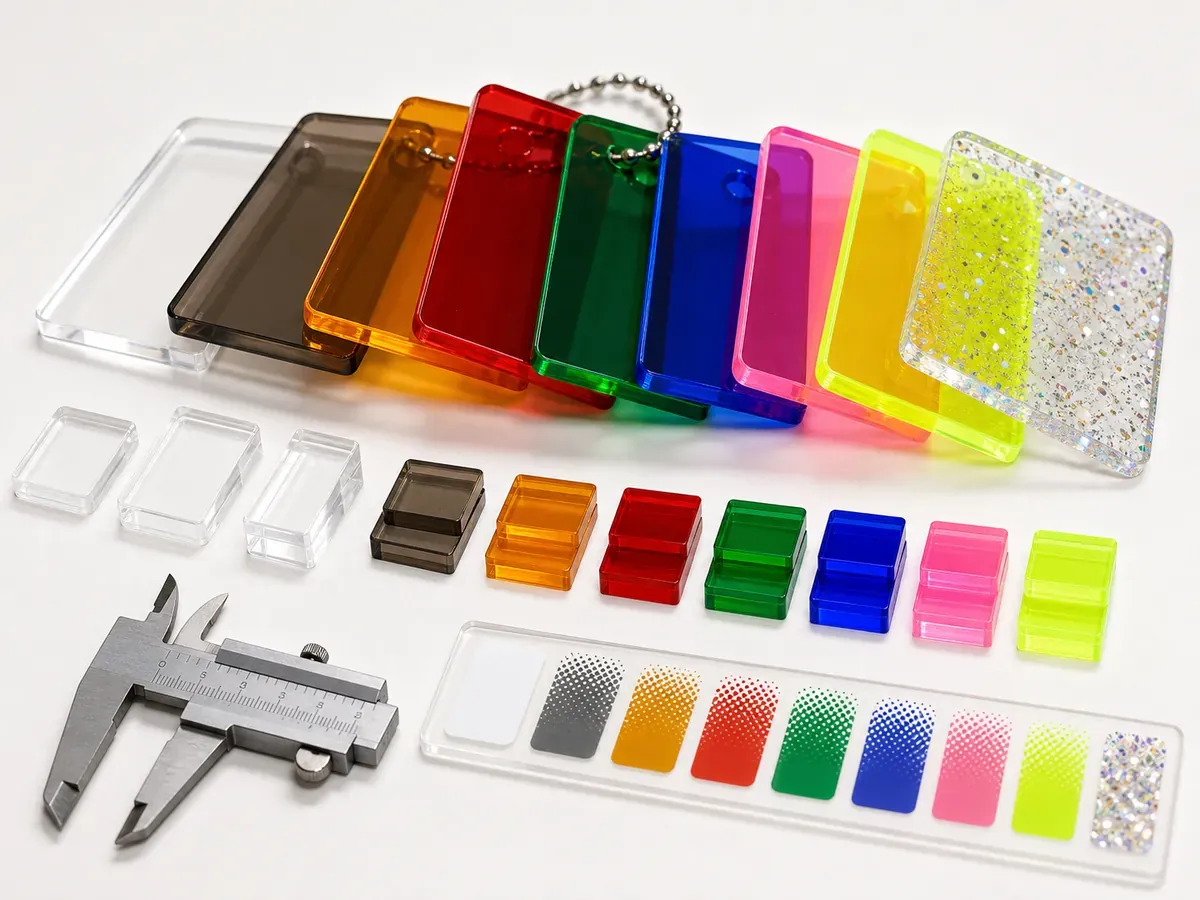
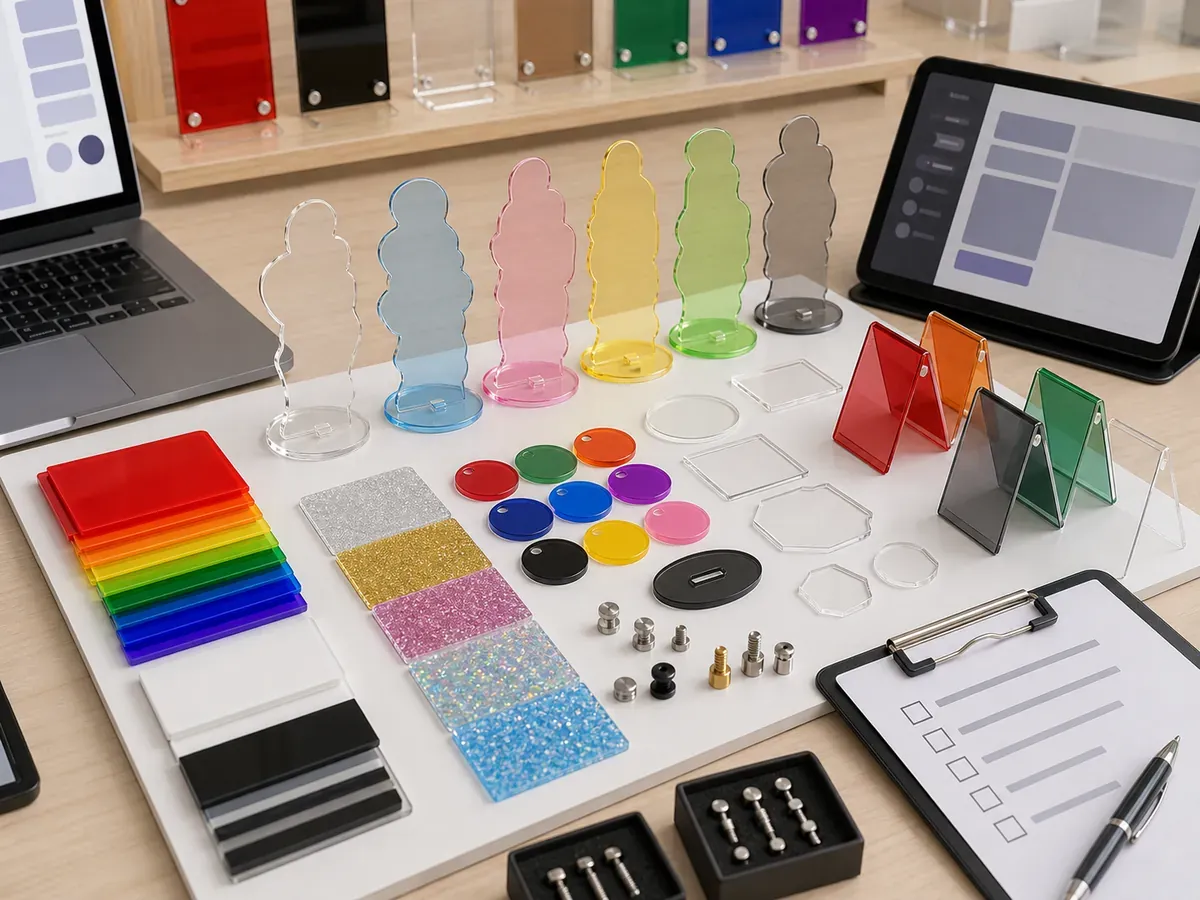
| Material code | Supplier swatch, color name, transparency class, nominal thickness and lot reference. |
|---|---|
| Body geometry | Finished dimensions, cut line, tab, narrow points and upright orientation. |
| Print layers | Color, white ink, transparent zones and any artwork adjusted for the colored background. |
| Color standard | Approved swatch, sample photo conditions and acceptable body/base or lot range. |
| Base fit | Base material, slot direction, width, insertion force, lean and stability. |
| Surface and edge | Scratches, haze, pigment marks, chips, edge color and protective film. |
| Packaging | Body/base separation, surface protection, SKU label and color-code identification. |
| Order matrix | Quantity by artwork, sheet code, body/base combination, pack and destination. |
PRIMARY CONTROL
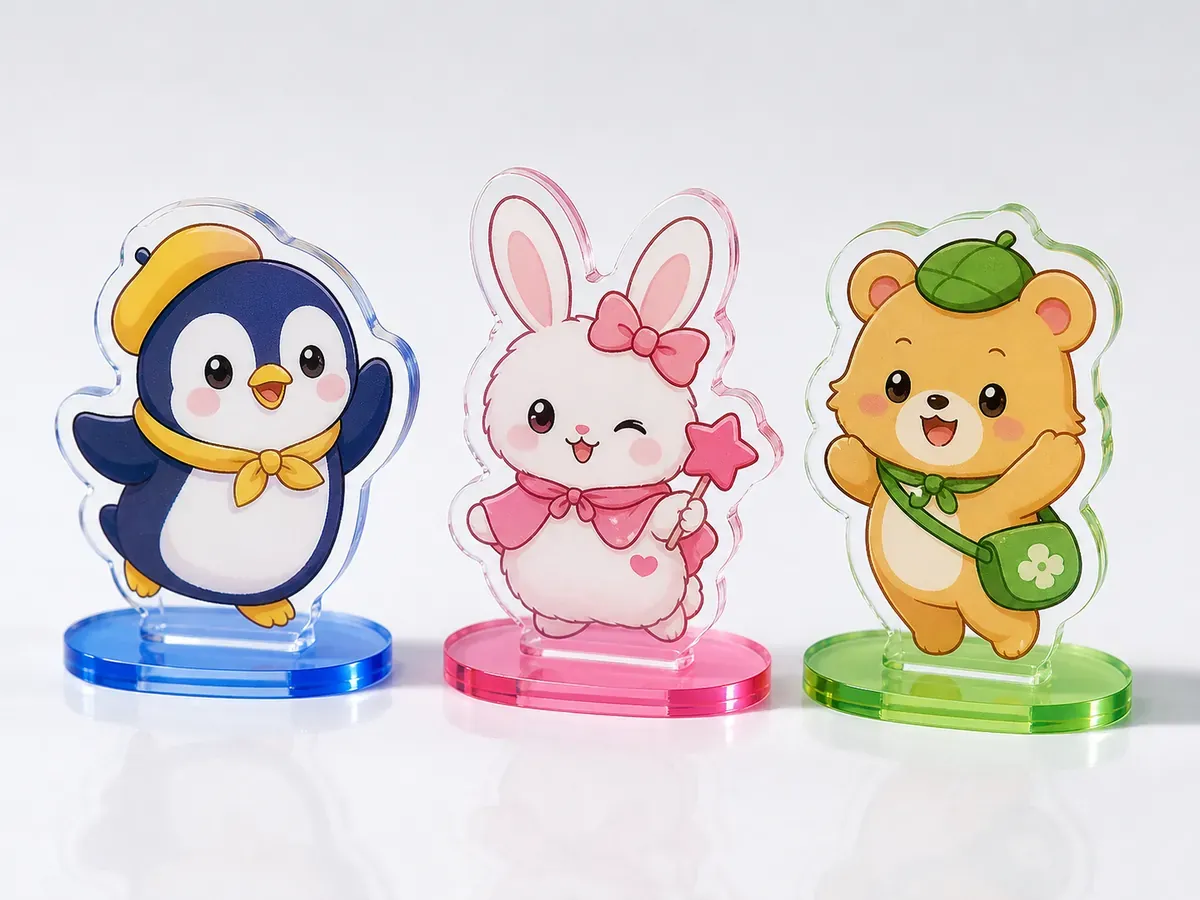
The same UV print can look different on clear, blue, red, smoke or fluorescent material. White ink isolates selected artwork from the sheet tint, while no-white areas allow the material color to influence the design. Record the intended interaction instead of correcting everything during sampling.
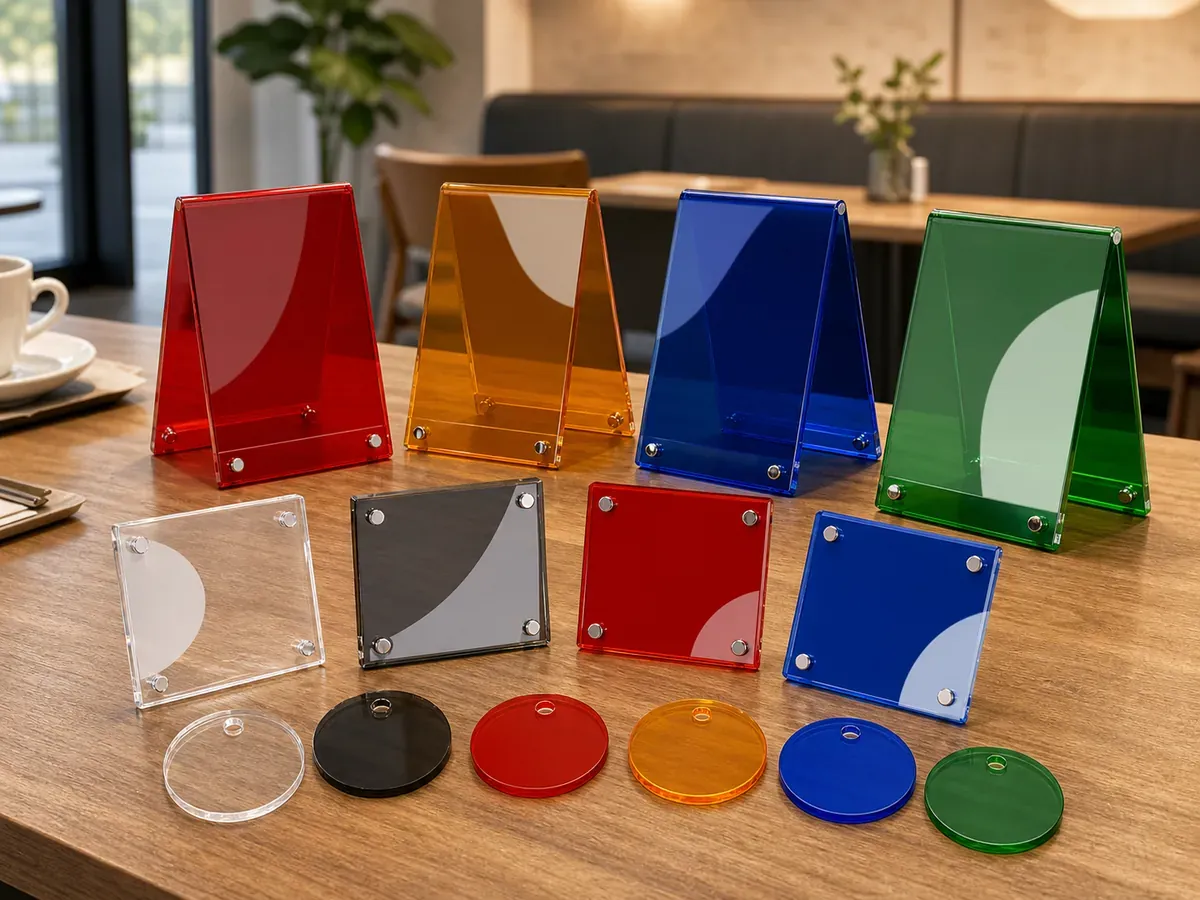
Review the swatch and finished stand under consistent neutral light and against the intended retail background. Transparent colored sheet appears darker when stacked, viewed through an edge or placed over a dark surface. The approval standard should use a single layer in the final product thickness.
APPROVAL EVIDENCE
Each item answers a different production question. A loose material sample alone cannot approve print, assembly, packaging or shipment condition.
Material code, tint, transparency and thickness are visible in one approved reference.
Artwork and white ink prove contrast on the selected color.
Matching or contrasting components show fit and final color relationship.
Material code, artwork, label and carton identification remain linked.
STAND ENGINEERING
Colored materials can have different thickness tolerance or availability from clear stock. Measure the actual sheet used for sampling and approve tab-slot fit with the selected body and base combination. Do not assume a clear base slot will fit every colored material code identically.
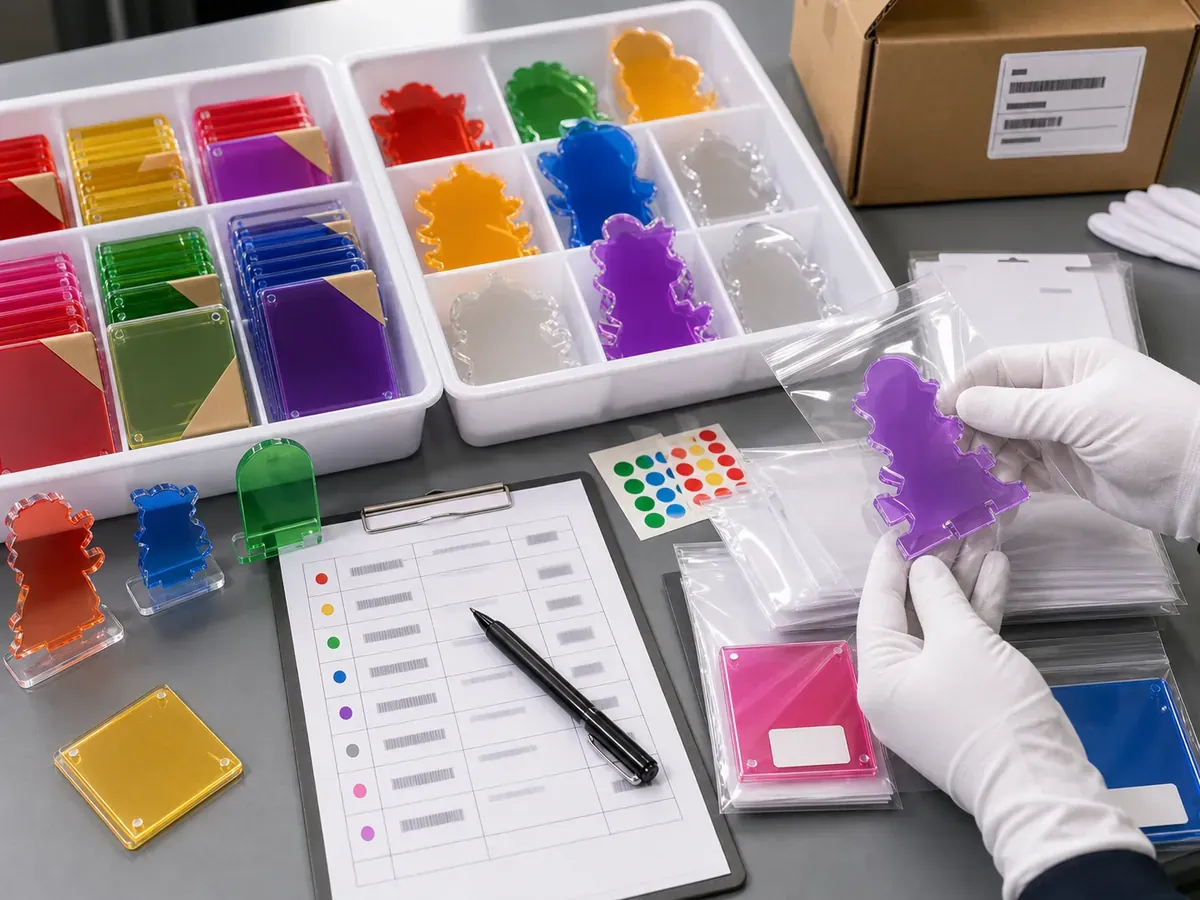
When several colors share one product series, each material-and-artwork combination becomes a controlled SKU. Labeled trays, work-in-process records and carton marks should prevent red, orange, smoke or fluorescent variants from being mixed during assembly and packing.
Use the Acrylic Material Thickness Guide when sheet tolerance or component weight affects the project.
MASS-PRODUCTION RISK
The finished transparent plastic looks different from the expected monitor color.
Artwork corrections become inconsistent across different sheet tints.
Details become dull, overly opaque or unexpectedly influenced by the material.
Components with the same name can show visible tint differences when assembled.
Slot fit changes across colored material codes.
SKUs are mixed during assembly, packing or carton allocation.
The selected color appears darker than a single finished stand body.
Transparency, edge color and print contrast change without approval.
QUALITY CONTROL
Inspection should follow the material, artwork, assembled stand and final pack rather than use a generic pass/fail statement.
Review the Acrylic Goods Quality Inspection guide when planning sample size and evidence.
PACKAGING AND SKU CONTROL
Record body, base, protective layers, labels and carton quantities by SKU. The sellable pack should prevent face-to-face rubbing, missing components and mixups between visually similar variants.
Separate body and base, protect exposed faces, and apply the correct card or SKU label.
Use an opaque pack, controlled design code, randomization rule and inner-box quantity.
Verify component count, orientation, separators and the approved set combination.
Plan carton labels, destination split, warehouse or venue instructions and arrival condition.
Use the Acrylic Scratch-Prevention Packaging guide before pack approval.
BUYER USE CASES
Assign material colors to characters, teams, rarities or campaign groups.
Use translucent or opaque sheets for numbered displays and reservation markers.
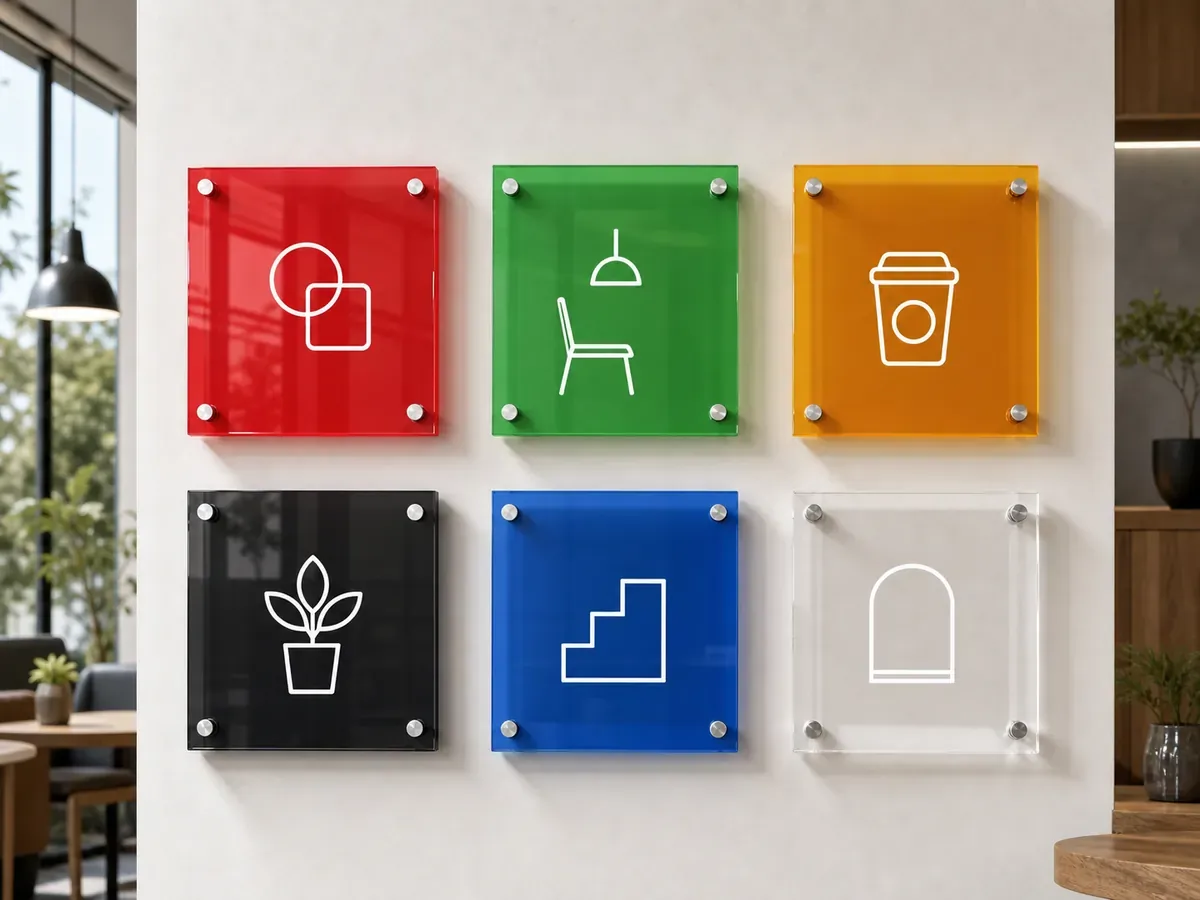
Create colored bases or panels that coordinate with a store or event palette.
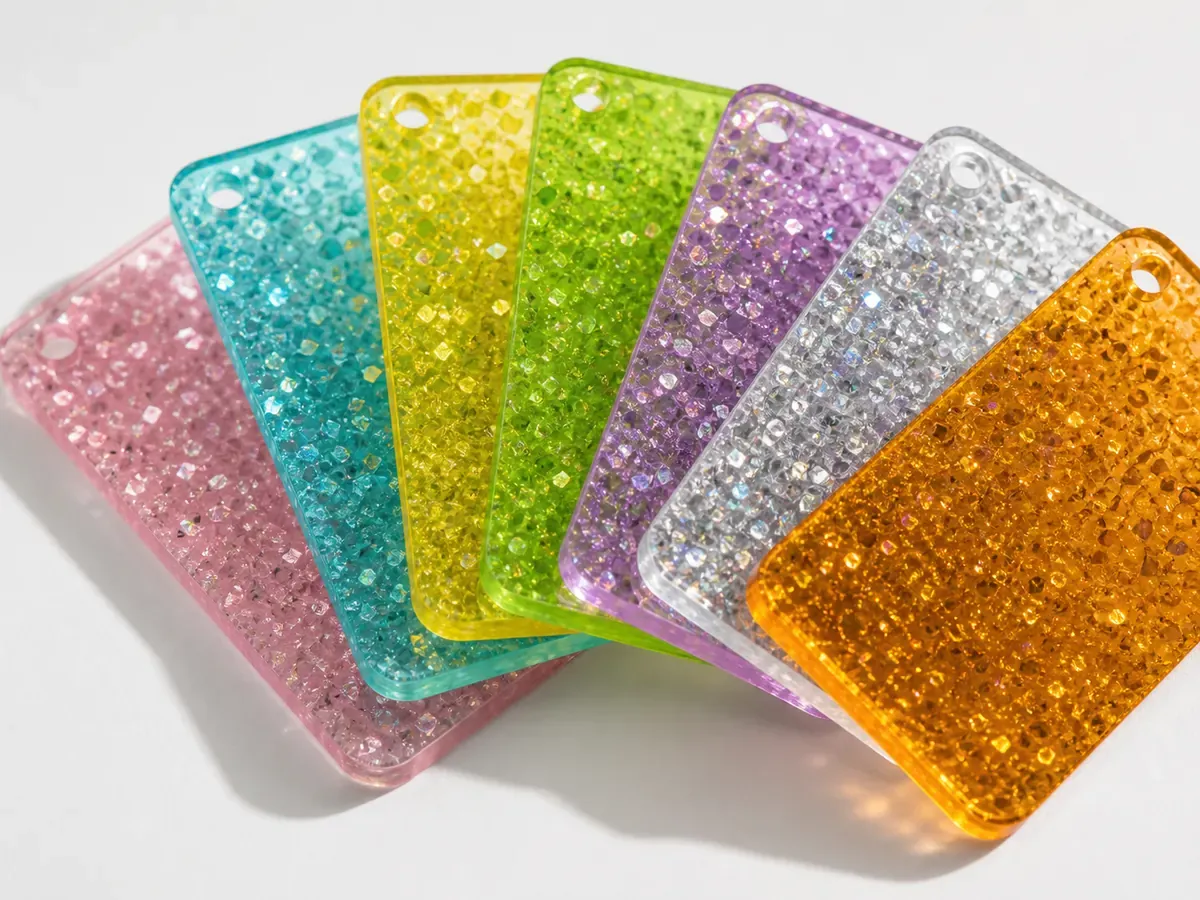
Use fluorescent, smoke, glitter or other approved sheets as controlled variants.
QUOTE CHECKLIST
Mark undecided items for recommendation. A useful quote starts from quantity by design and the page-specific material or structure decision.
ORDER CONDITIONS
Finished size, material or structure, design split, base, assembly, packaging, inspection and destination all affect the practical route.
Share total quantity and the split for every approved artwork and material combination.
Identify which material, print, base, assembly and pack require physical approval.
Timing is confirmed after files, samples, materials, packing and inspection conditions are approved.
Provide country, destination, required arrival date and any shipment split or venue rule.
PRODUCTION WORKFLOW
See the complete OEM order process.
FAQ
It can guide the target family, but transparent plastic also changes with thickness, lighting and background. Approve a physical material swatch and finished sample.
Colored acrylic carries tint through the sheet. Printing adds color only where ink is applied to an otherwise clear body.
Yes. Record the approved combination by SKU and test the actual materials together for fit and visual balance.
It may. Dark, fluorescent or translucent sheets can affect contrast differently, so approve the artwork and white layer on each selected material family.
Use a matrix linking artwork, sheet code, body/base combination, quantity, packaging and carton label for every SKU.
They depend on material availability, size, design split, color count, base, packaging, inspection and destination.
RELATED RESOURCES
PROJECT REVIEW
Send artwork, the defining material or structure reference, finished size, quantity by design, base, packaging and destination. Unconfirmed items can be marked for recommendation.