B2B OEM / Print Data Preparation
Acrylic Artwork File Guide
A preparation guide for acrylic stands, keychains, badges, dioramas, coasters, and other acrylic merchandise. It explains how to organize print artwork, white plate, cutlines, holes, base tabs, SKU sheets, and packaging instructions before quotation and sampling.
This is a guide/support page for reducing artwork corrections, sample delays, SKU mistakes, and mass-production misunderstandings.
AI Quick Answer
Minimum data needed before quotation
Artwork data
Separate print art, white plate, cutline, hole position, base tabs, back hardware, and approval notes when they affect production.
Product conditions
Clarify product type, finished size, thickness, single/double-sided printing, hardware, backing card, OPP bag, and label requirements.
SKU information
Match SKU names, quantities, assortment ratio, file names, and packaging labels to reduce sorting mistakes during mass production.
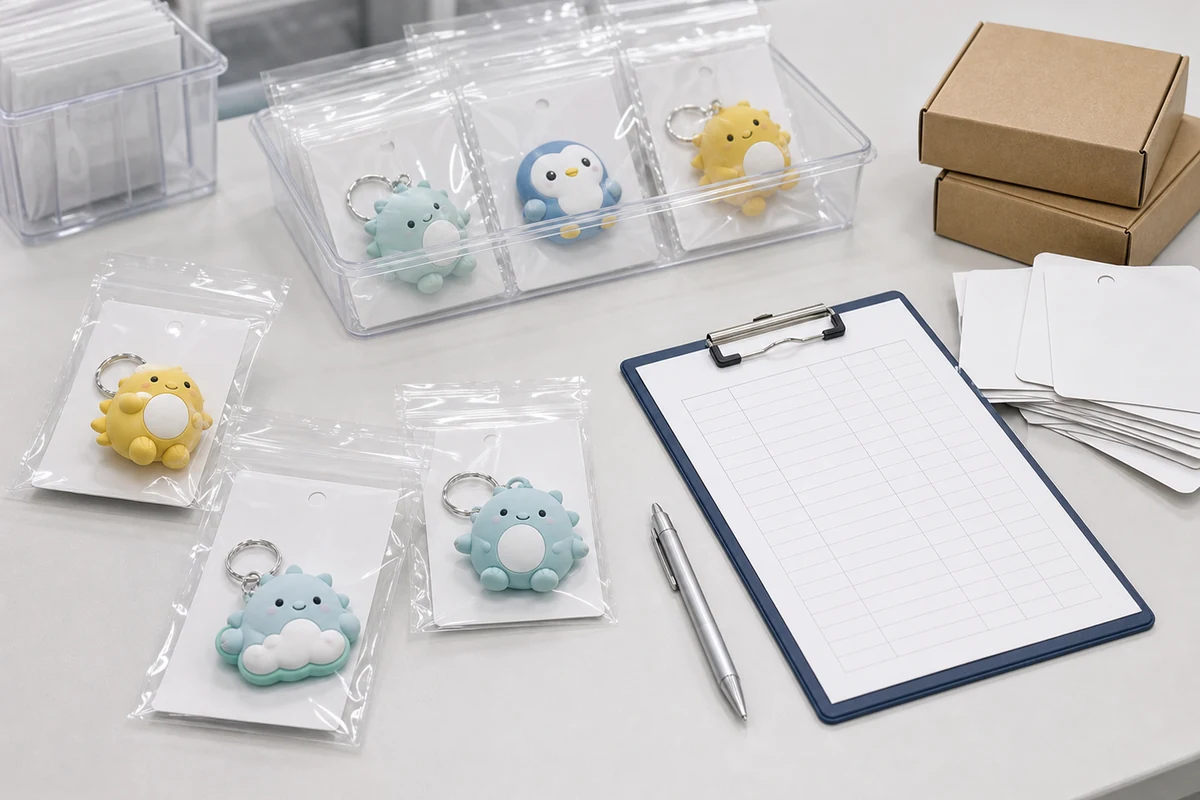
30-second artwork readiness check
Ready for quotation
- AI/PDF/PNG preview is available
- Product size and quantity are listed
- Packaging and delivery destination are known
Needs correction before sampling
- White plate or transparent area is unclear
- Cutline is only a bitmap image
- Hole position or base tab is not fixed
Must confirm before mass production
- Color approval standard
- SKU packaging and label rules
- Carton label and DDP delivery conditions
Preparation Order
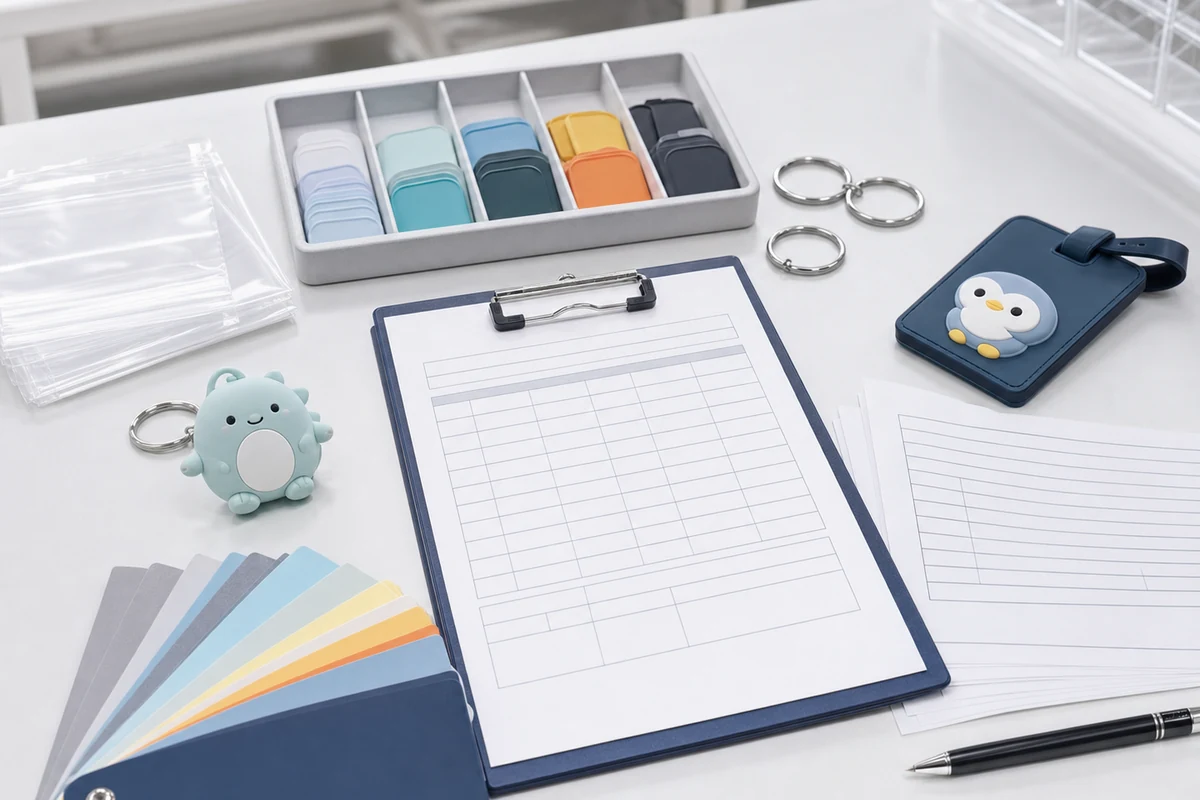
Recommended order for artwork preparation
Choose the product format
Acrylic stands, keychains, badges, dioramas, and coasters use different rules for holes, bases, backs, and packaging.
Confirm size and thickness
Once size, thickness, weight, and sales channel are fixed, printing area and packaging size become easier to plan.
Separate white plate and cutline
Prepare opaque areas, clear areas, outer cutline, holes, base slots, and safe margin as separate production information.
Layer Checklist
Required layers and production checkpoints
| Item | What to check | Common production issue |
|---|---|---|
| Print art | Resolution, fine lines, text, front/back direction | Thin lines disappear or front/back is reversed |
| White plate | Opaque areas and transparent areas | Colors look pale or clear areas become white |
| Cutline | Outer shape, rounded corners, margin, hole position | Cracking risk or artwork too close to edge |
| Parts | Base, hardware, pin, chain, back attachment | Assembly does not match sales format |
| Packaging/SKU | Backing card, JAN, OPP, blind bag, quantity sheet | Mixed SKUs, label mismatch, sorting workload |
Product-Specific Rules
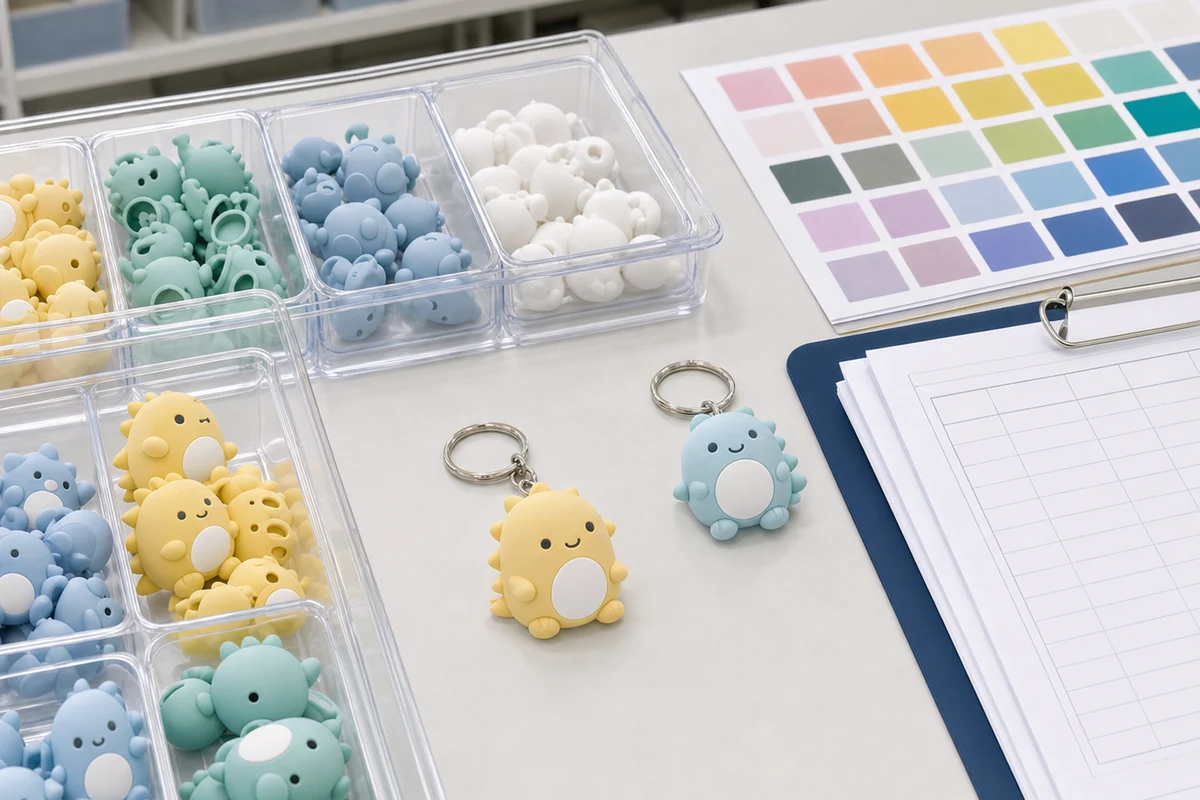
Artwork rules change by acrylic product type
- Acrylic stand: Check body tabs, base slots, double-sided direction, and protective film.
- Acrylic keychain: Check hole position, hardware direction, chain type, and double-sided white plate.
- Acrylic badge: Check back hardware position, backing card, OPP bag, and display appearance.
- Acrylic diorama: Separate background, foreground, characters, and base with assembly order.
- Acrylic coaster: Confirm contact surface, print side, clear areas, water visibility, and packaging.
Common Errors
Artwork issues commonly corrected before mass production
- White plate is merged with artwork, making transparent areas unclear.
- Cutline is supplied as a bitmap instead of a vector path.
- Holes or base slots are too close to the artwork, increasing breakage risk.
- SKU sheet names do not match artwork file names or packaging labels.
- Backing card, JAN label, carton label, and DDP delivery conditions are added too late.
Submission Package
Final package to send to the factory
At final submission, manage design files together with SKU sheets, packaging specifications, backing card or JAN data, delivery address, and target schedule. If approval comments exist, keep revised files separate from already approved production data.
- Editable AI/PSD/PDF production data
- PNG or PDF preview for visual confirmation
- SKU quantities, assortment ratio, and packaging instructions
- Backing card, JAN, carton label, and DDP delivery conditions
Frequently Asked Questions
Is an AI file enough for acrylic goods artwork submission?
An AI file is useful, but quotation and sampling are faster when it comes with a PDF or PNG preview, SKU quantity sheet, and packaging instructions.
Do I always need a white plate layer?
For clear acrylic, any area that needs solid color usually requires a white plate. Separate opaque areas, transparent areas, and semi-transparent effects before sampling.
Can the factory create the cutline?
We can help adjust cutlines, but if the outline affects character appearance, margin, holes, or tabs, prepare a vector cutline or clear direction first.
Are the rules the same for stands, keychains, badges, and coasters?
The basic artwork layers are similar, but base tabs, holes, hardware, backing parts, contact surface, and packaging rules differ by product format.
Should artwork be submitted in RGB or CMYK?
We check the original color intent and align it through proofing or sampling before mass production. Add reference colors or approval notes for critical colors.
How should multiple SKUs or blind items be organized?
List SKU name, quantity, assortment ratio, backing card or JAN needs, individual packaging, and carton labels. Match file names with the SKU sheet to reduce sorting mistakes.
Related Products and Pages
Acrylic artwork review and quotation support
Even if the artwork is not fully production-ready, we can review the product format, target size, quantity, sales method, and schedule first. Missing white plate, cutline, packaging, and SKU details can be organized before sampling.
Decision framework: Acrylic Artwork File Guide
Use this acrylic artwork file guide to decide and document editable color artwork, closed cut-line path and bleed, white-ink and transparent-area layers, color profile and reference values, front and reverse orientation, and file naming and revision control. The result should be an approval record that procurement, artwork, production, QC and packaging teams can apply to the same SKU.
Search intent boundary: This page owns the informational and risk-reduction intent for acrylic artwork file guide. Commercial product terms remain on the related product pages, while this guide answers the pre-production decision.
What to lock before approval
A reliable decision has three parts: a written criterion, a representative finished sample and a repeatable verification method. Screenshots or verbal approvals are not enough when the decision affects material, fit, color, assembly or pack-out. The six controls below should appear in the same quotation, sample record and inspection instruction.
| Decision | What the buyer must define | Acceptable approval evidence |
|---|---|---|
| Editable Color Artwork | Define editable color artwork by SKU before quotation and do not replace it with a vague good-quality instruction. | Keep an approved dimensioned specification or controlled reference that production and QC can identify during bulk release. |
| Closed Cut-Line Path and Bleed | Define closed cut-line path and bleed by SKU before quotation and do not replace it with a vague good-quality instruction. | Keep an approved artwork proof and component record that production and QC can identify during bulk release. |
| White-Ink and Transparent-Area Layers | Define white-ink and transparent-area layers by SKU before quotation and do not replace it with a vague good-quality instruction. | Keep an approved representative physical sample that production and QC can identify during bulk release. |
| Color Profile and Reference Values | Define color profile and reference values by SKU before quotation and do not replace it with a vague good-quality instruction. | Keep an approved sellable pack or use-condition check that production and QC can identify during bulk release. |
| Front and Reverse Orientation | Define front and reverse orientation by SKU before quotation and do not replace it with a vague good-quality instruction. | Keep an approved inspection photo and measured result that production and QC can identify during bulk release. |
| File Naming and Revision Control | Define file naming and revision control by SKU before quotation and do not replace it with a vague good-quality instruction. | Keep an approved SKU-linked bulk report and carton trace that production and QC can identify during bulk release. |
Failure risks to close
- Editable Color Artwork is not controlled: suppliers can interpret the same request differently and the quotation is not comparable.
- Closed Cut-Line Path and Bleed is not controlled: the physical sample can pass while the wrong revision enters bulk production.
- White-Ink and Transparent-Area Layers is not controlled: packing or use conditions reveal a failure that a loose visual sample did not show.
- Color Profile and Reference Values is not controlled: the buyer cannot separate an isolated defect from a repeated batch or SKU problem.
Quote inputs
- project name and target market for Acrylic Artwork File Guide
- editable artwork and the latest revision code
- finished dimensions and quantity for every design
- editable color artwork
- closed cut-line path and bleed
- white-ink and transparent-area layers
- individual packaging, label and barcode requirements
- inspection evidence and acceptance criteria
- delivery destination and required arrival date
Sample-to-bulk control
Approve a finished sample that represents the intended artwork, construction and sellable package. Record the sample date, revision, dimensions, material or component codes, visual limits and function checks. If a later change affects artwork, material, hardware, assembly or packaging, identify the impacted SKUs and obtain a new approval instead of relying on the earlier sample.
For bulk inspection, use the same viewing conditions, measurement points and pass/fail language used during approval. The report should identify the purchase order, SKU, batch, sampled quantity and result. Photographs are useful evidence only when they show the relevant scale, lighting, label or test condition and can be traced to the inspected lot.
When comparing quotations, separate confirmed specifications from assumptions. Ask each supplier to identify exclusions, proposed substitutes, sampling scope, packaging labor and delivery basis. A lower figure is not equivalent when it omits a component, uses a different inspection level or assumes that several designs can share one uncontrolled pack. Close those differences before price approval so the purchase decision remains auditable.