
Multi-SKU Production Guide
Custom Plush Multi-SKU Management
B2B guide to multi-SKU plush production management: buyer inputs, samples, MOQ, production risks, quality checks, lead time, and quote preparation.
Custom plush series for fan merchandise need SKU-level control of character names, color variants, expressions, attachments, packaging, barcodes and cartons.
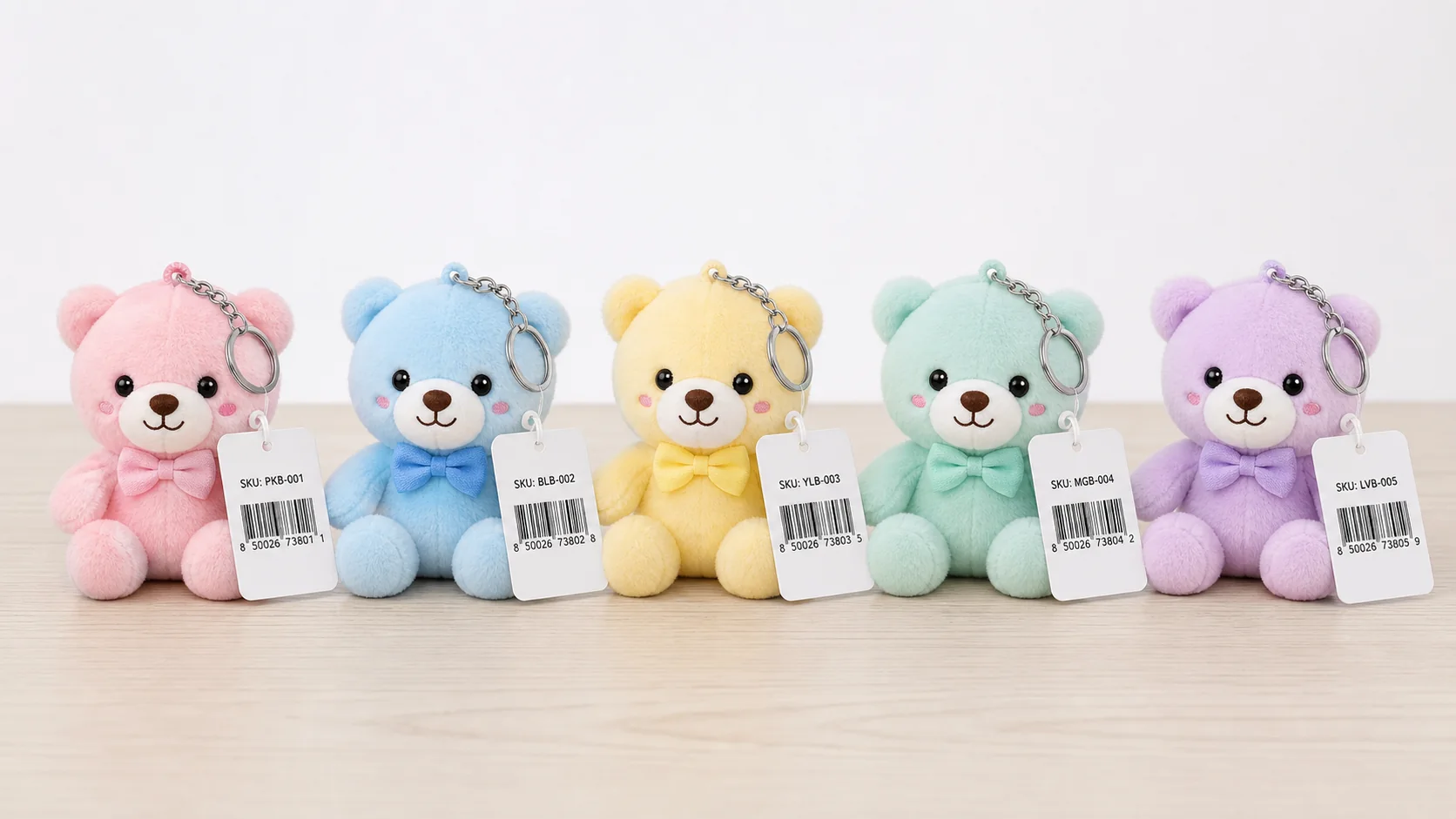
Six control items to define for multiple SKUs
Group the shared specification while keeping every character-specific difference visible in one master table.
List the SKU code, character name, image, color and quantity.
Fix the common size, fabric, base construction and packaging.
Separate expressions, hair color, costume, embroidery and accessories.
Manage fabric, thread, character color and print references by SKU.
Match bags, backing cards, JAN/barcodes and SKU labels to the table.
Define carton quantity, case labels, destinations and release waves.
What to include in a multi-SKU control table
Use the SKU code, image, specification difference, packaging and carton label together instead of identifying items only by name.
| Control item | Information to record | Approval or match point | Common issue |
|---|---|---|---|
| SKU identity | SKU code, name, front image and color | Use the same code on artwork, sample and packaging | Example Similar name or color assigned to the wrong character |
| Shared specification | Size, fabric, base construction and common parts | Control the revision number of the shared version | Example One SKU continues with an older shared specification |
| SKU differences | Expression, embroidery, costume, hair color and accessory | Match the SKU difference column to the approved sample | Example Expression or accessory from another SKU is applied |
| Color reference | Fabric code, thread color, character color and tolerance sample | Review under agreed lighting with a physical sample | Example Color name alone leads to an unintended result |
| Packaging and barcode | Bag, backing card, JAN/barcode and SKU label | Match product, package and code as one set | Example Backing card or barcode is swapped between SKUs |
| Carton and split delivery | Carton quantity, case number, destination and release wave | Match carton contents, outer label and shipping instruction | Example Carton label or destination quantity does not match |
Original Flow: From SKU Master to Split Delivery
Separate shared and SKU-specific specifications, then carry the same code through samples, packaging and cartons.
Register codes, images and quantities
Fix series-wide requirements
Define expression, color and parts
Track revisions by SKU
Match labels, cartons and destinations
Control priorities by series type
The priority of color, accessories, release units and destinations changes with the merchandise program.
Separate member colors, expressions, costumes and attachments in the SKU table.
Place character images beside codes so similar shapes remain easy to identify.
Separate shared pattern use from fabric, embroidery-thread and print-color differences.
Reflect release wave, venue, ecommerce quantity and spare stock on carton labels.
How manual handling and barcode checks work together
Use the same SKU code across storage, inspection and packing. Practical control combines careful manual handling with clear labels, scan records and packing lists rather than relying on unrealistic fully automated workflows.

Keep SKU codes and barcodes visible so shelf locations, cartons and inventory records use the same identifier.
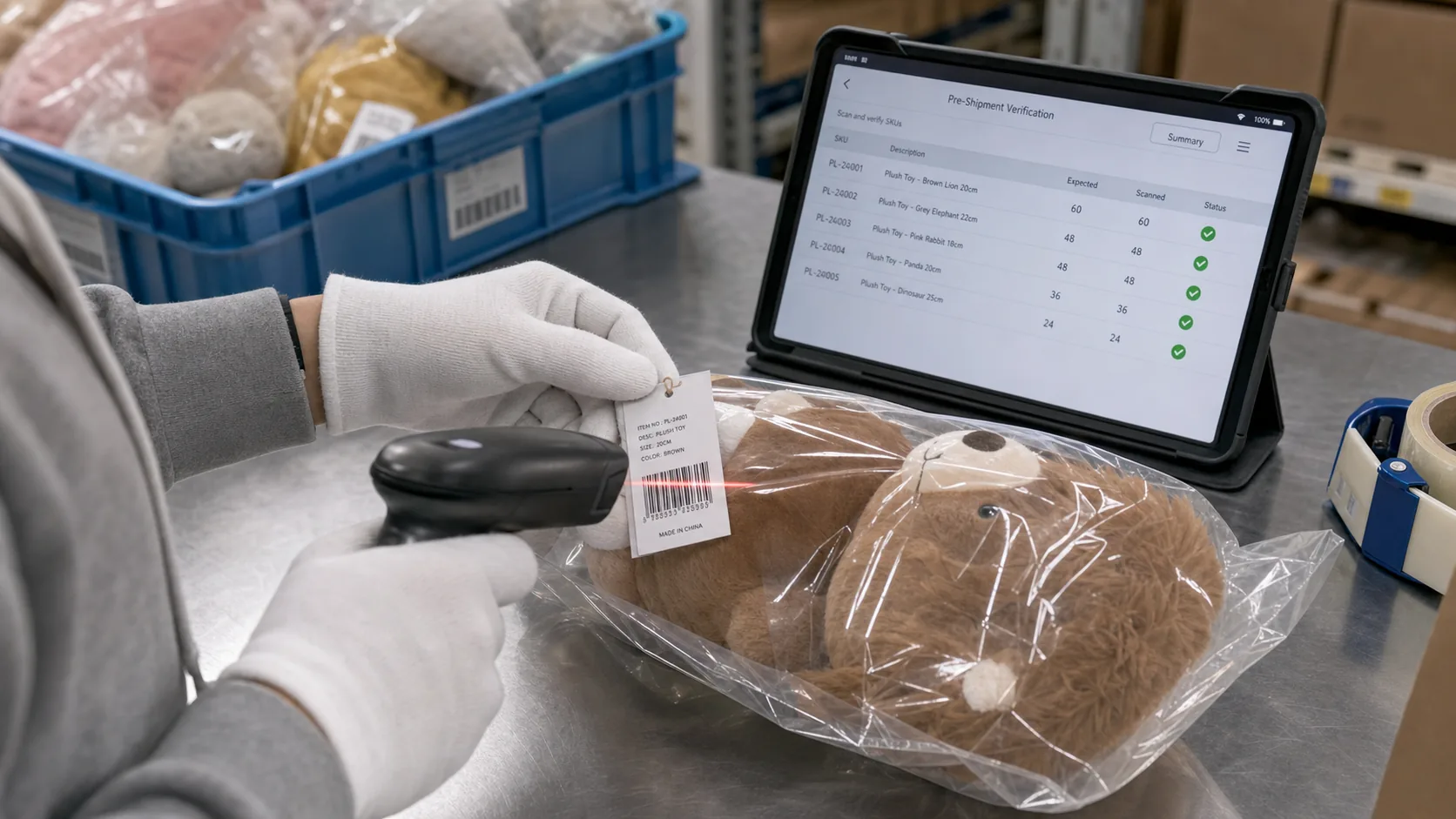
Combine visual inspection with a barcode scan to match the selected SKU and quantity against the shipping record.
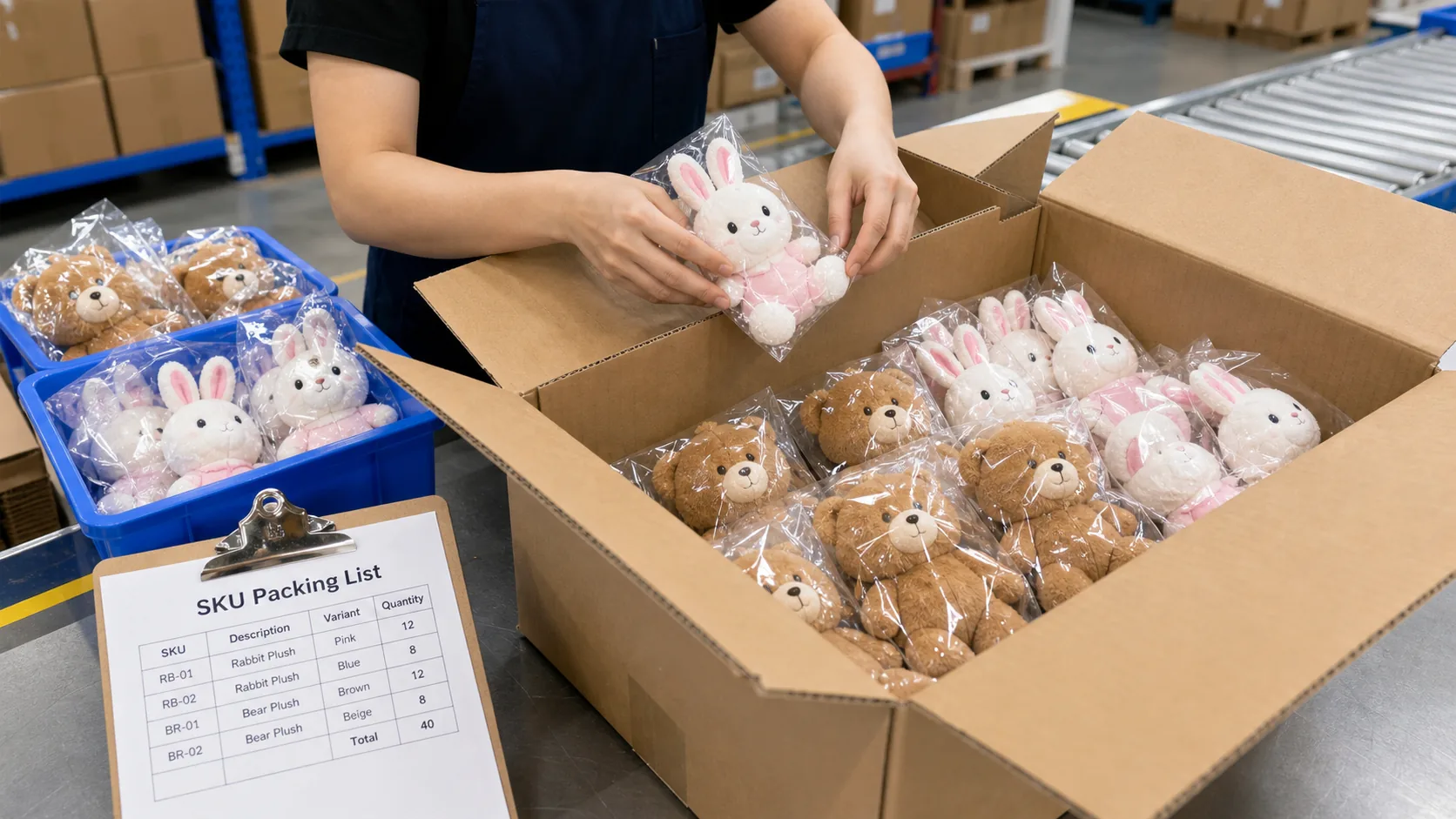
Check the quantity and assortment rule for every SKU, then record the carton number and packed contents.
Six visual examples of multi-SKU management errors
Similar characters, shared-spec revisions, SKU-specific accessories, color standards, backing cards and split-delivery instructions create different risks. Convert each visible difference into a checkpoint in the SKU master.
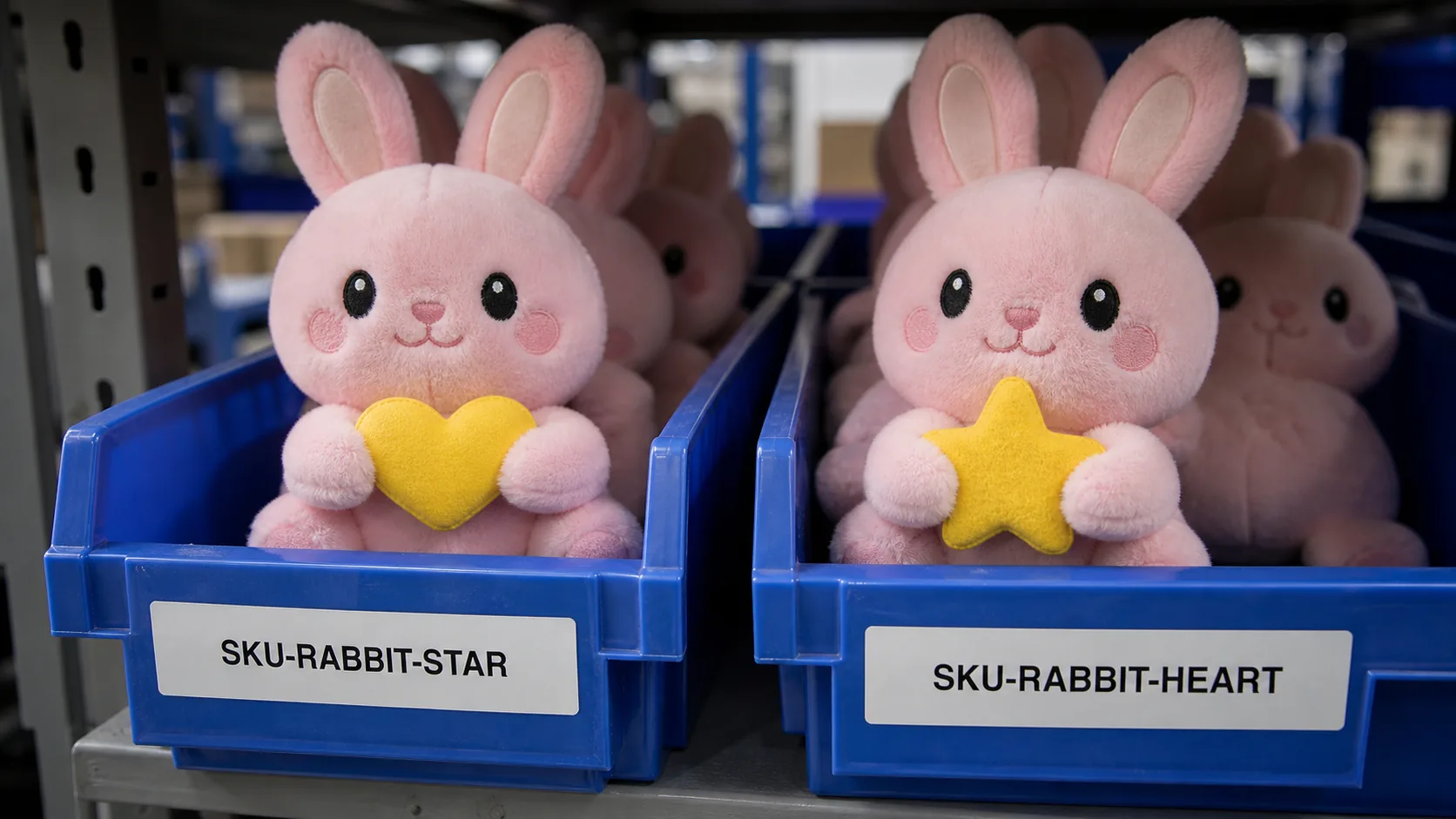
Names and colors alone can hide small motif differences. Match the SKU code, approved image and physical item together.
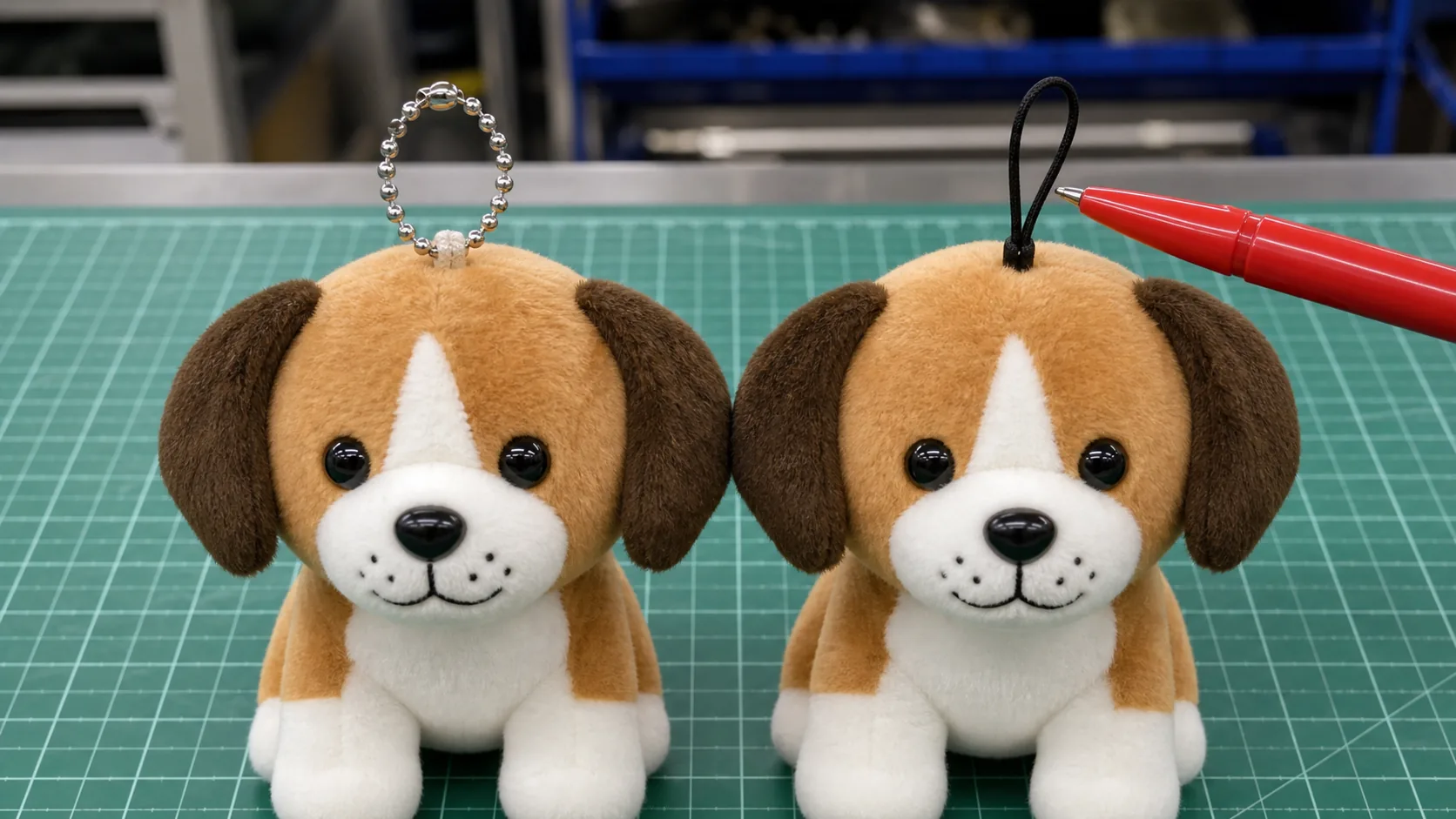
When a shared component changes, update the affected SKU list and specification revision, then confirm every SKU sample.
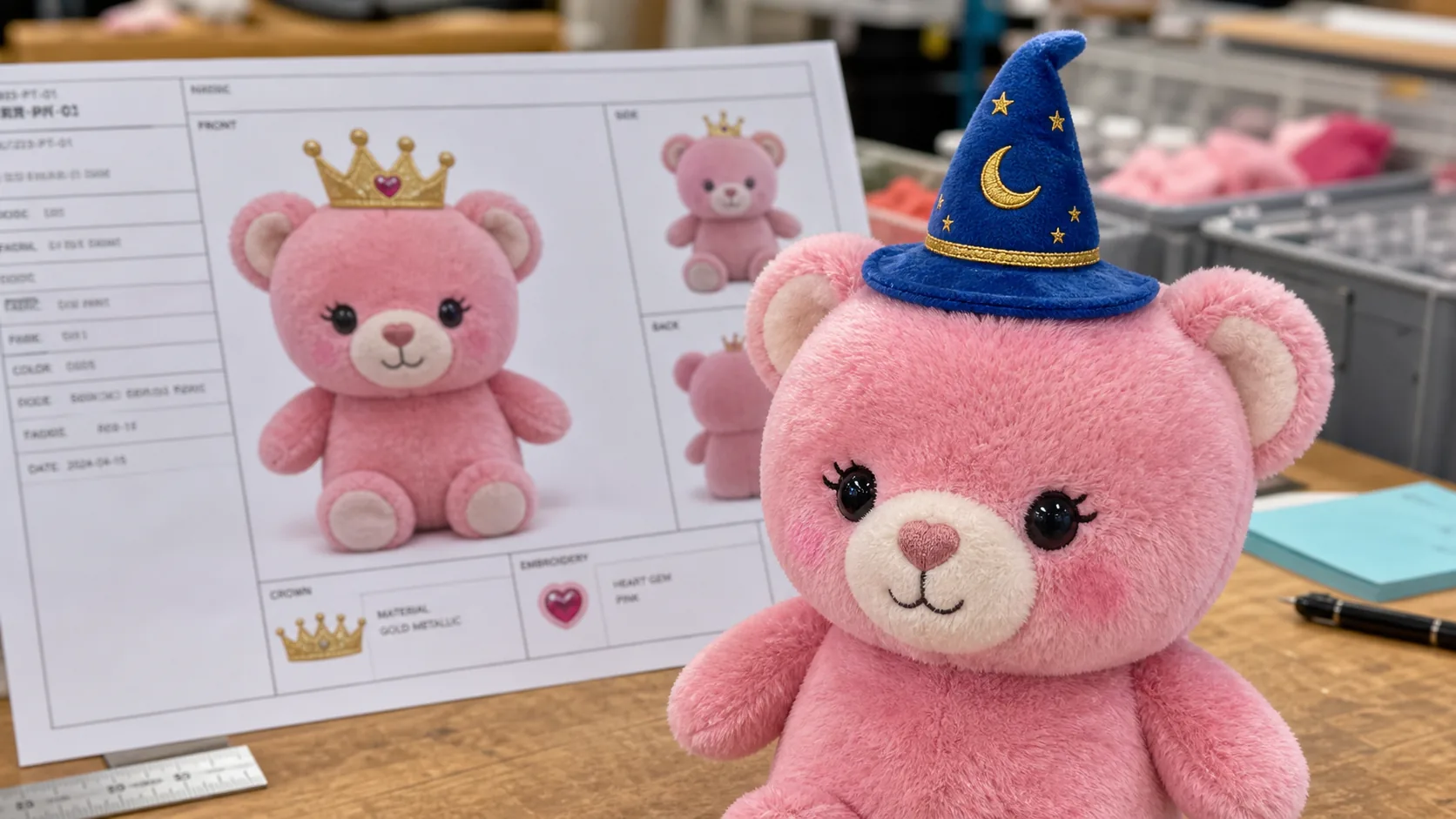
Keep the SKU-specific difference list and approved image at the workstation when checking faces, costumes and accessories.
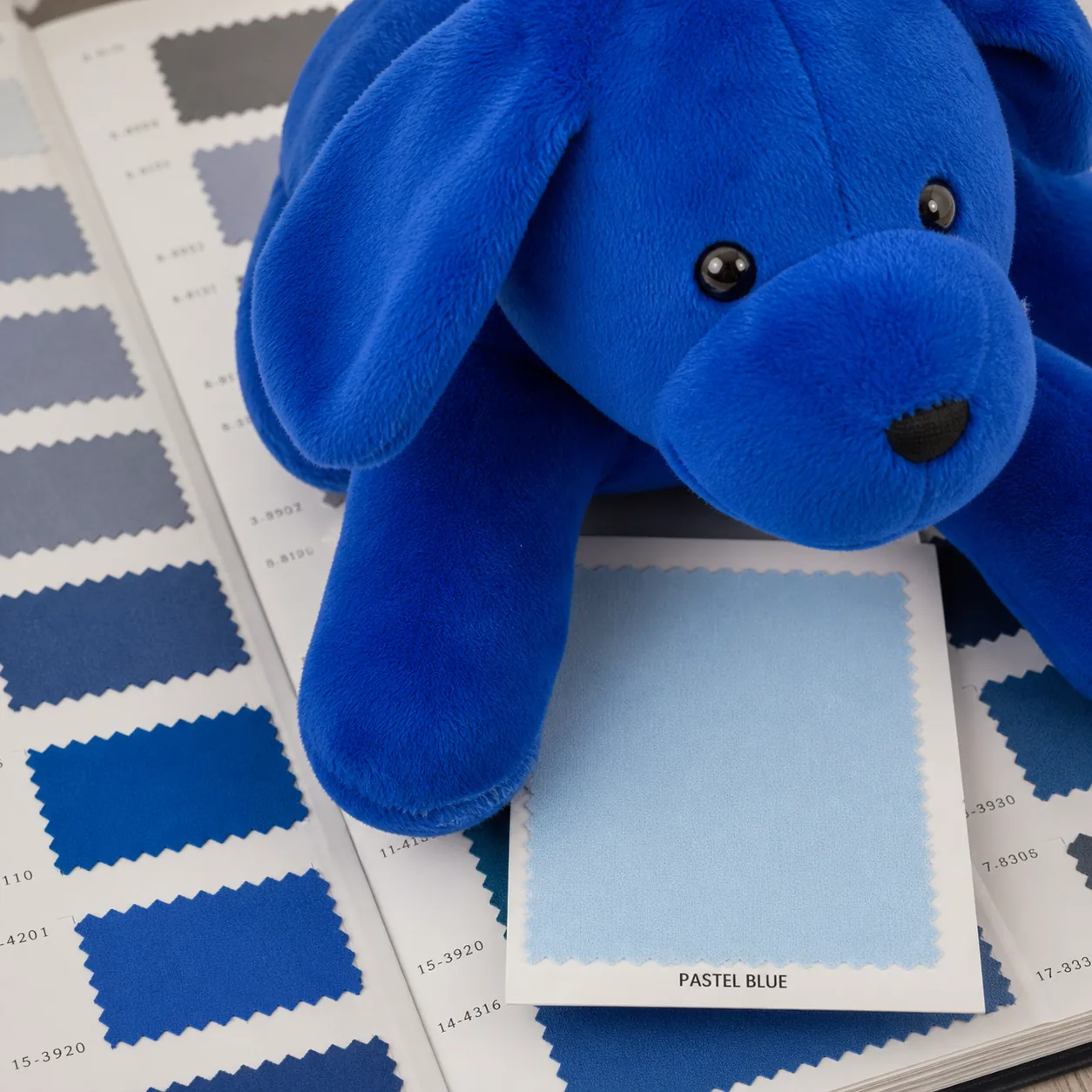
Do not order by a generic color name alone. Fix the swatch, fabric code and approved sample for each SKU.
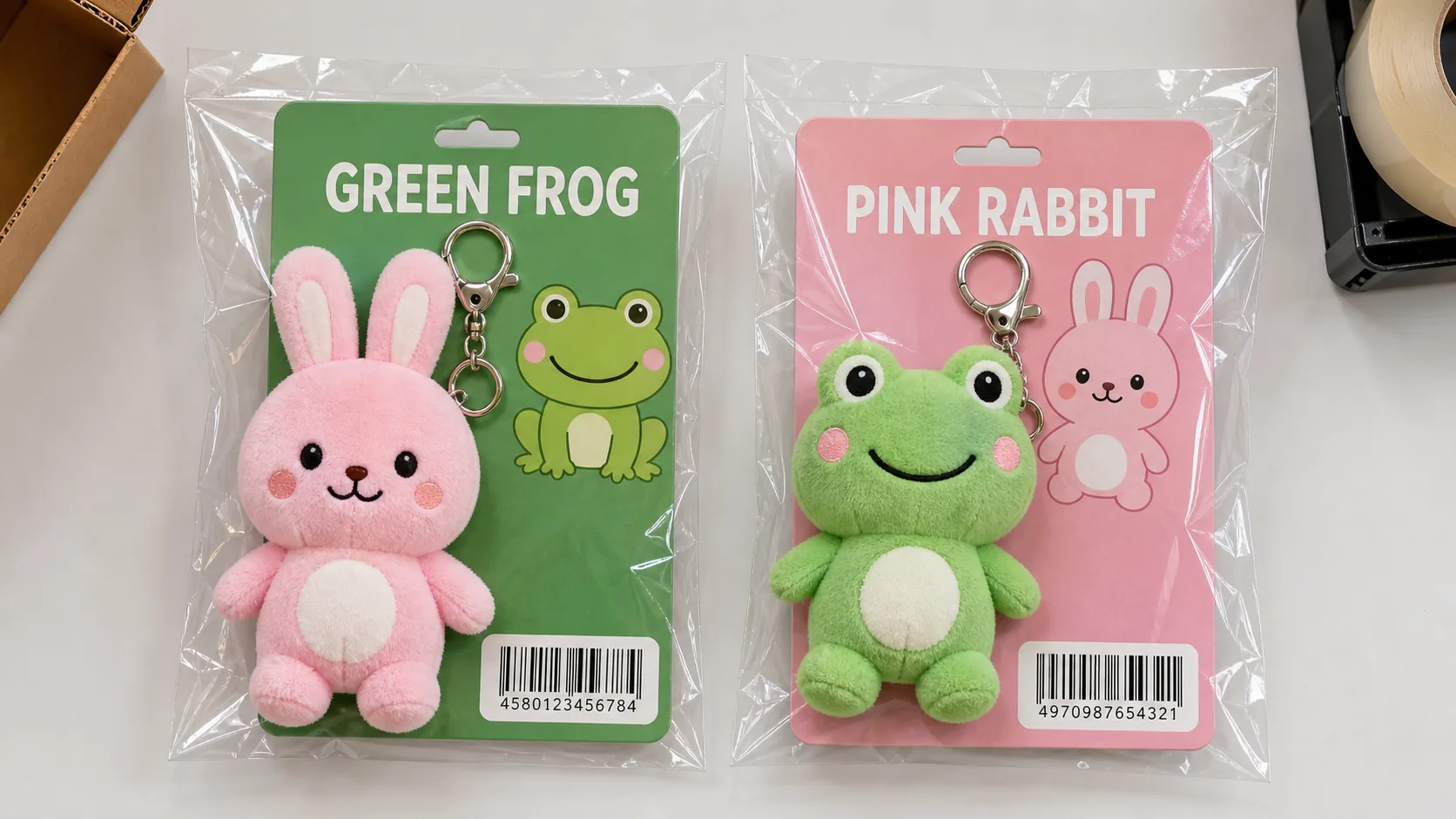
Before sealing, match the plush item, backing-card artwork and JAN or barcode as one SKU set.
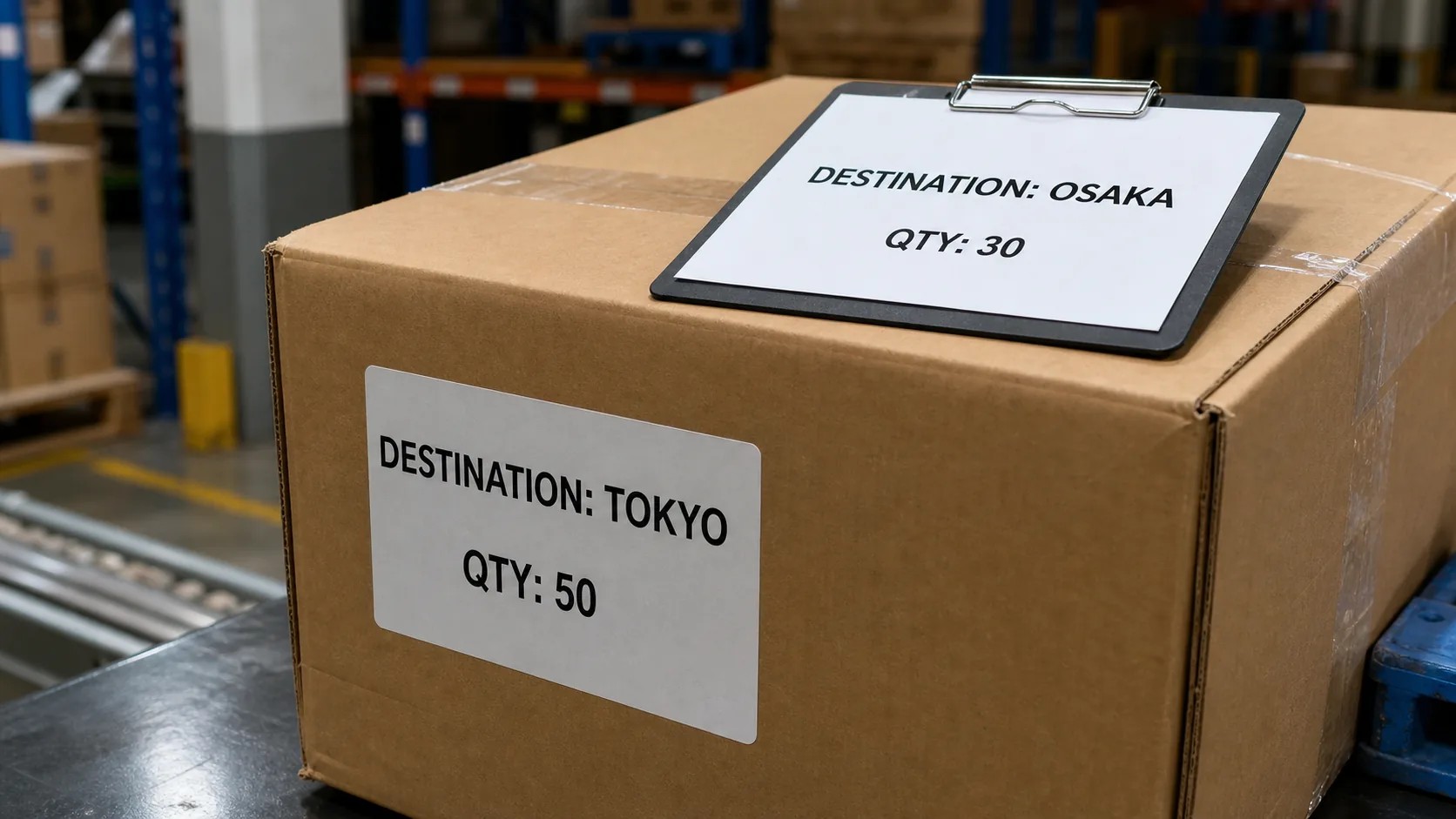
Match the carton label, SKU quantity, destination and packing list using the same case number before release.
Materials to prepare before inquiry
Even when details are open, the SKU count, shared specification, difference list and release method help define quotation conditions.
- SKU codes and character names
- Front images and color variants
- Target quantity by SKU
- Shared size and fabric
- Expression, embroidery and costume differences
- Accessory and attachment differences
- Bag, backing card and header
- JAN/barcode and SKU label
- Packaging quantity by SKU
- Carton quantity and case number
- Quantity by destination
- Release wave and split-delivery rules
Related pages
Multi-SKU management connects to character plush series, keychains, random assortment, packaging, MOQ and quotation materials.
FAQ
When should we create the multi-SKU control table?
Create it before quotation with SKU codes, character images, shared specifications, differences and quantities. Keep updating the same table from early specification planning through samples and production.
How should shared and SKU-specific specifications be separated?
Place size, fabric and base construction in shared fields. Record only character-specific expression, hair color, costume, embroidery and accessory differences in each SKU row.
Should a color variant use a separate SKU?
Use a separate SKU when sales, barcode, packaging, inventory or delivery needs separate control. Decide whether the color difference is only internal or a distinct sales item at the planning stage.
Are multi-SKU management and random assortment the same?
No. Multi-SKU management separates design, specification, quantity and packaging by SKU. Random assortment controls the ratio or carton combination of completed SKUs.
What is needed for split delivery?
Share the destination list, quantity by SKU, carton quantity, case numbers, label fields and release or delivery sequence. Logistics conditions can change handling work and cost.
What should we provide for a quotation?
Share the SKU list, design images, target size, shared specification, SKU differences, quantities, packaging, barcode needs, target timing and destinations.
Prepare the SKU table before quotation to connect multi-character and color-variant planning to production
Share the SKU codes, images, shared specification, differences, quantities, packaging and destinations so the project-specific control items can be organized.