
PVC Figure Color Difference Control: Sample Approval and Mass Production Color Matching
Color difference in PVC figures cannot be controlled by color codes alone. Material lot, molding conditions, paint thickness, lighting, surface finish, packaging, and storage all affect the final appearance. This guide explains what buyers should prepare before working with a Chinese factory, how to review samples, and how to confirm color matching at mass production start.
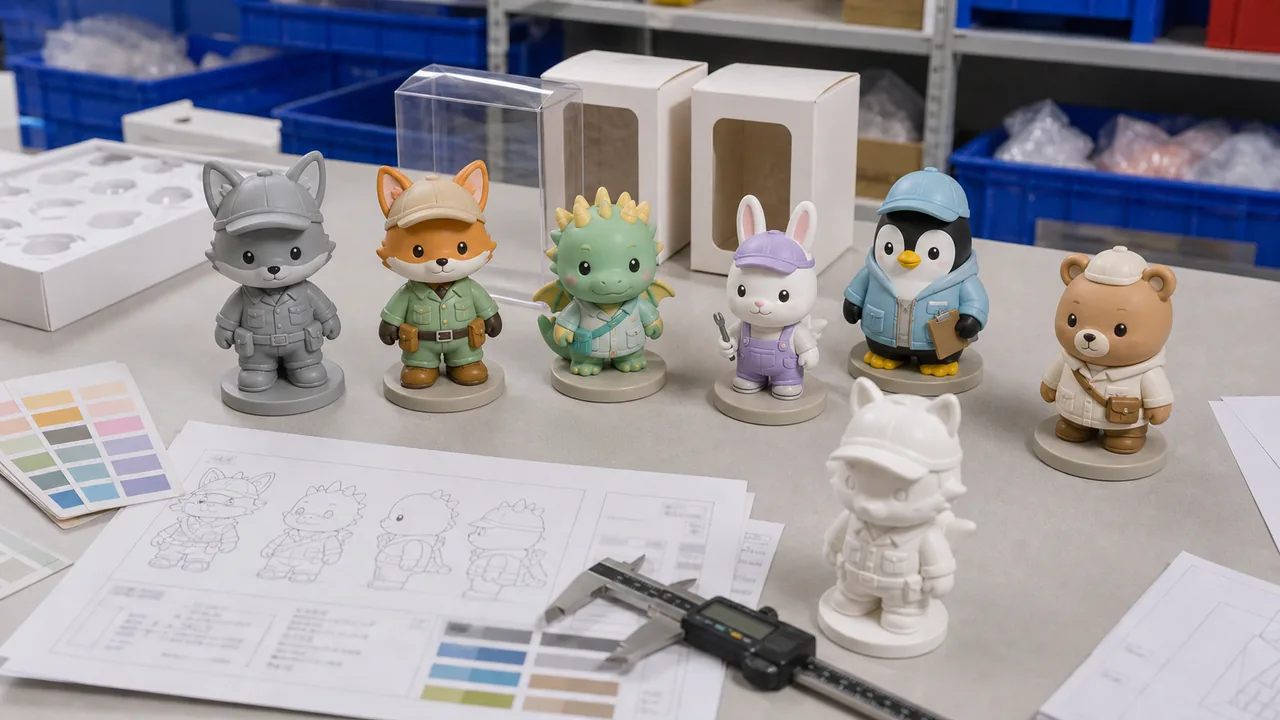
Color Control Checklist Before Mass Production
Fix the judgement criteria before sample approval to reduce color disputes after mass production starts.
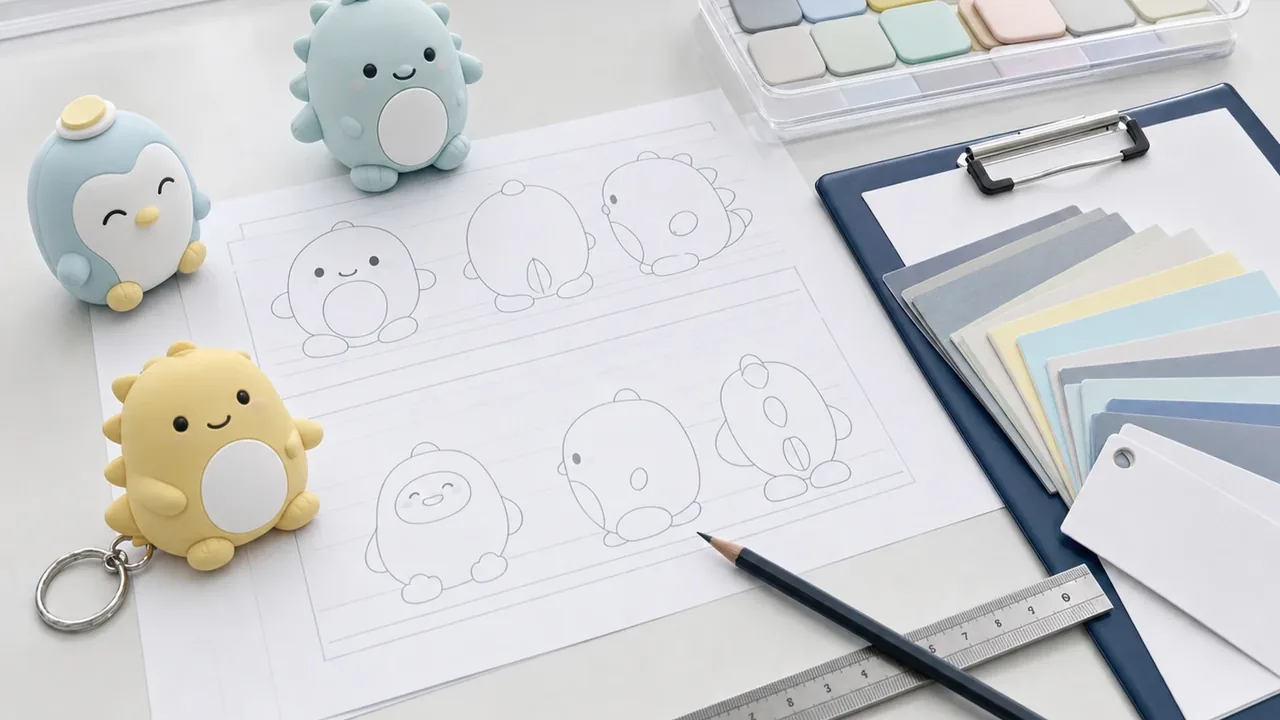
Fix Color References and Specification Data First
Color control starts before telling the factory which color to use. Combine color codes, physical samples, paint areas, texture, gloss, and transparency in the same specification so sampling and mass production use the same judgement basis.
- Use PANTONE / DIC together with physical color samples
- Separate base PVC color, spray color, and print color
- Define matte, semi-gloss, glossy, or other surface finish
- Mark color split lines and gradient areas on the drawing
Phone photos or e-commerce images are not reliable production references because monitor and lighting conditions vary. Fix production colors with both codes and physical samples.
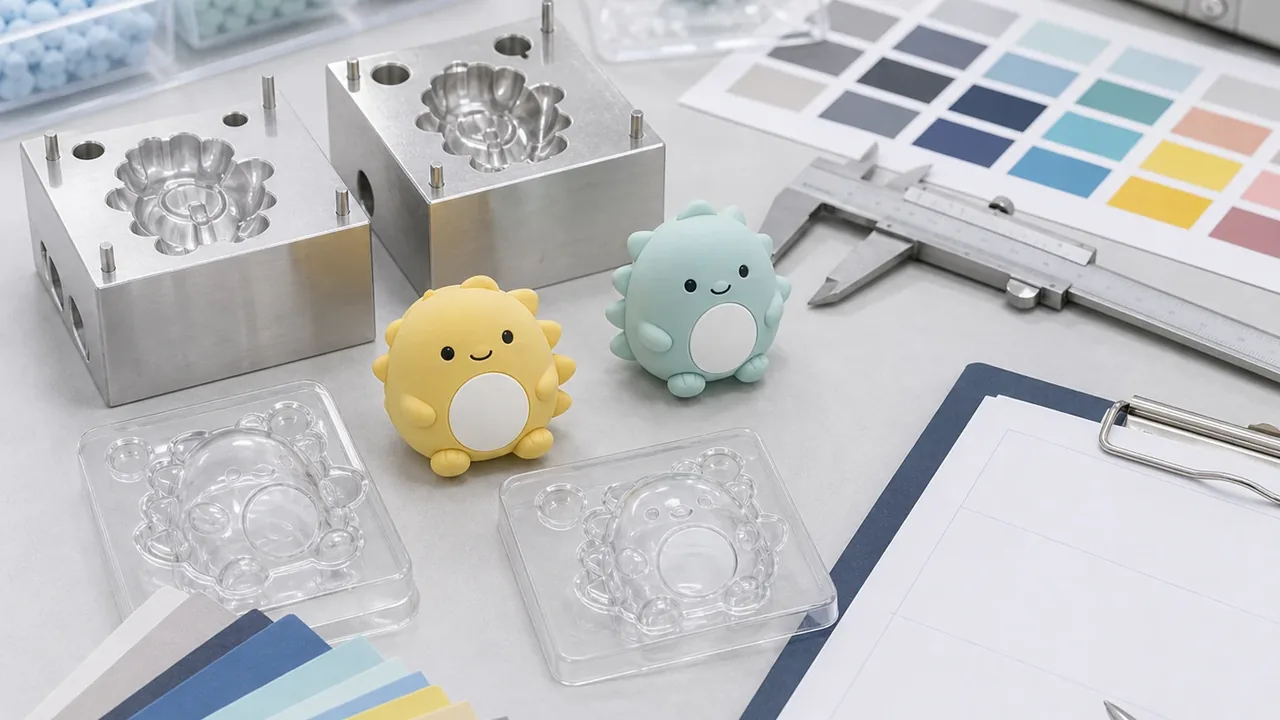
Align Standard Light and Review Conditions
The same sample can look different under daylight, fluorescent light, warehouse light, and photography lights. For sample review, define the light source, background, viewing distance, and photo conditions with the factory.
- Choose a light source such as D65 or TL84 based on the sales environment
- Use white or neutral gray backgrounds for color comparison
- Check physical samples whenever possible, not only photos
- Record review date, light source, reviewer, and decision
If a sample looks acceptable in Japan but darker in factory photos, lighting may be the cause. Align review conditions before discussing color correction.
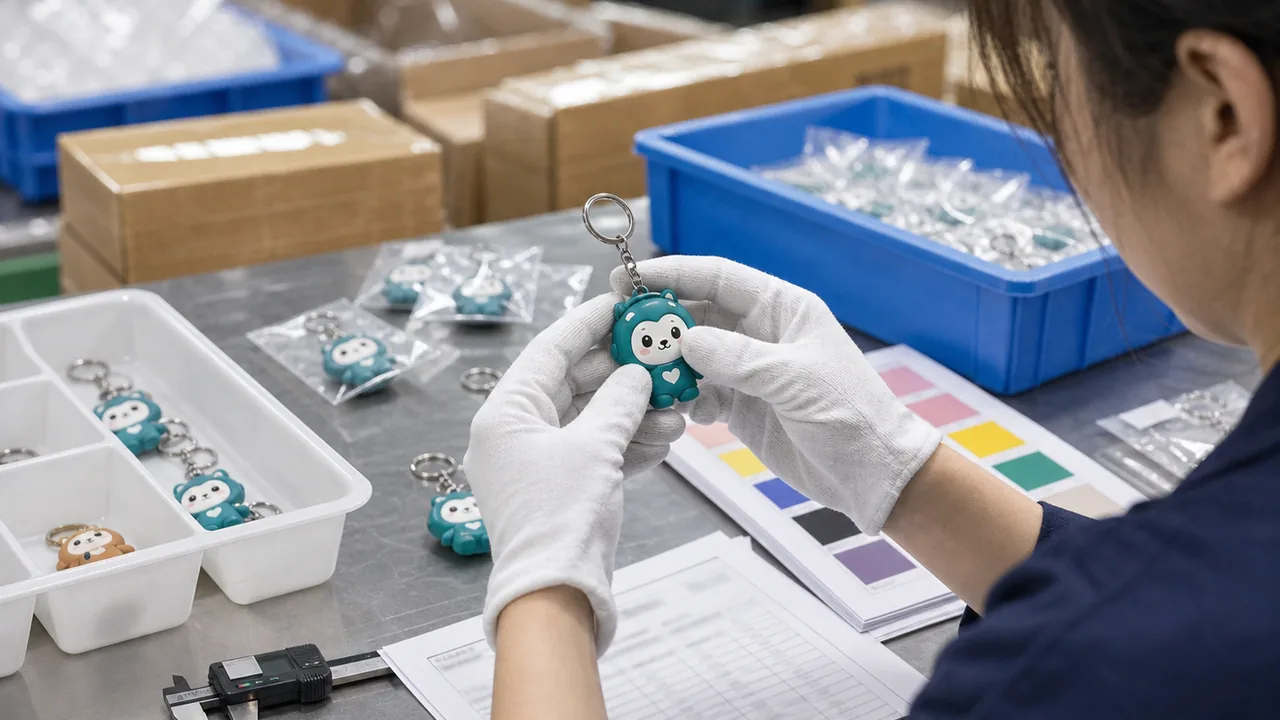
Create OK / NG Limits During Sample Approval
Sample approval should not stop at a simple good or bad judgement. Define how much variation is acceptable, and keep OK samples, correction samples, and NG samples for quick production decisions.
- Store approved samples by SKU and do not rely only on photos
- Describe correction direction such as darker, lighter, redder, or yellower
- Define priority areas such as face, skin tone, costume, and logo
- Keep the same limit-sample version on both buyer and factory sides
For PVC figures, skin tone, white, pale pastel colors, and very dark colors tend to show differences clearly. Decide priority areas before revision feedback.
Use a Pre-production Meeting and First Article Check
Before production starts, align approved samples, color references, paint formulas, and work instructions inside the factory. Check the first pieces from the production line against the approved sample before continuing.
- Record paint formula, drying time, and spray passes
- Compare first articles at the same angle as the approved sample
- Stop production and adjust if the first article is off color
- Record any condition changes after approval
Skipping first article confirmation can allow hundreds of off-color pieces to be produced before anyone notices. Keep first article photos and judgement comments even for small runs.
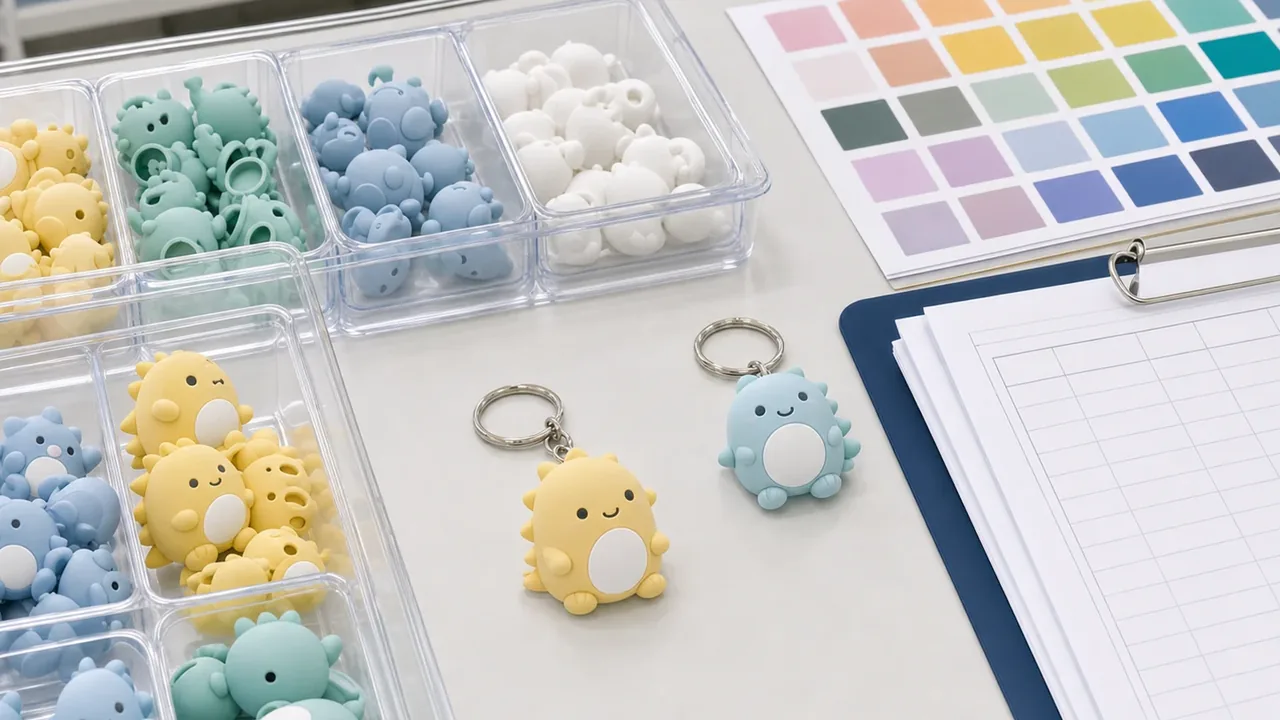
Control Trial Lots and SKU-level Color Lots
For multi-color series, color difference and mixing errors often happen together. Use a small trial lot to verify material lots and paint conditions, then separate SKUs with trays, labels, and inspection sheets during mass production.
- List SKU name, color code, quantity, and lot number
- Physically separate similar colors by tray and label
- Recheck the first pieces after every color change
- Prepare anti-mixing steps for assortments and random packing
In projects with many color variants, wrong assortment can become a customer complaint as easily as color difference. Track color and SKU control on the same inspection sheet.
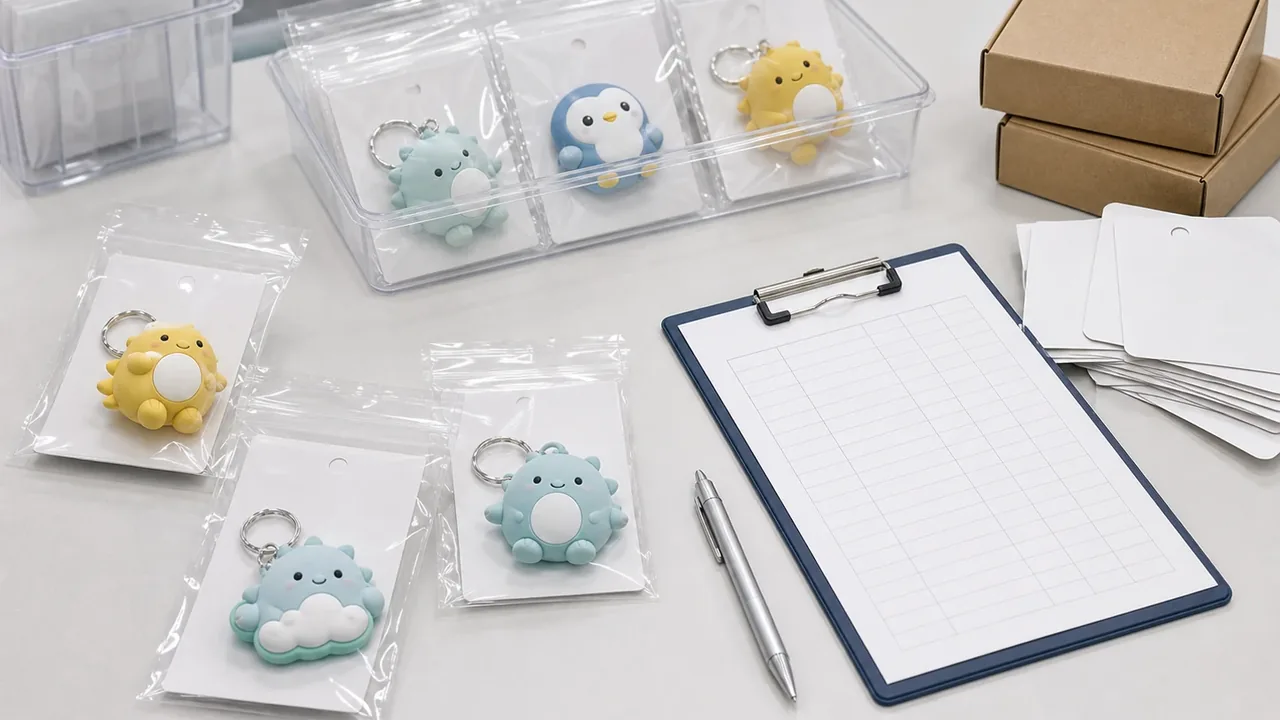
Check Packaging, Storage, and Shipping Effects
Contact with packaging materials, heat, humidity, and long storage can cause color transfer, yellowing, or gloss changes. Review not only unpacked samples but also the look after individual packing, carton packing, and pre-shipment storage.
- Avoid direct contact between dark parts and pale parts
- Check color transfer with OPP bags, backing cards, and blisters
- Discuss heat, humidity, and long-storage risks in advance
- Photograph packed samples under the same condition as approval samples
White and pale PVC parts may be affected by nearby colors or packaging materials. Confirm color in the actual selling condition.
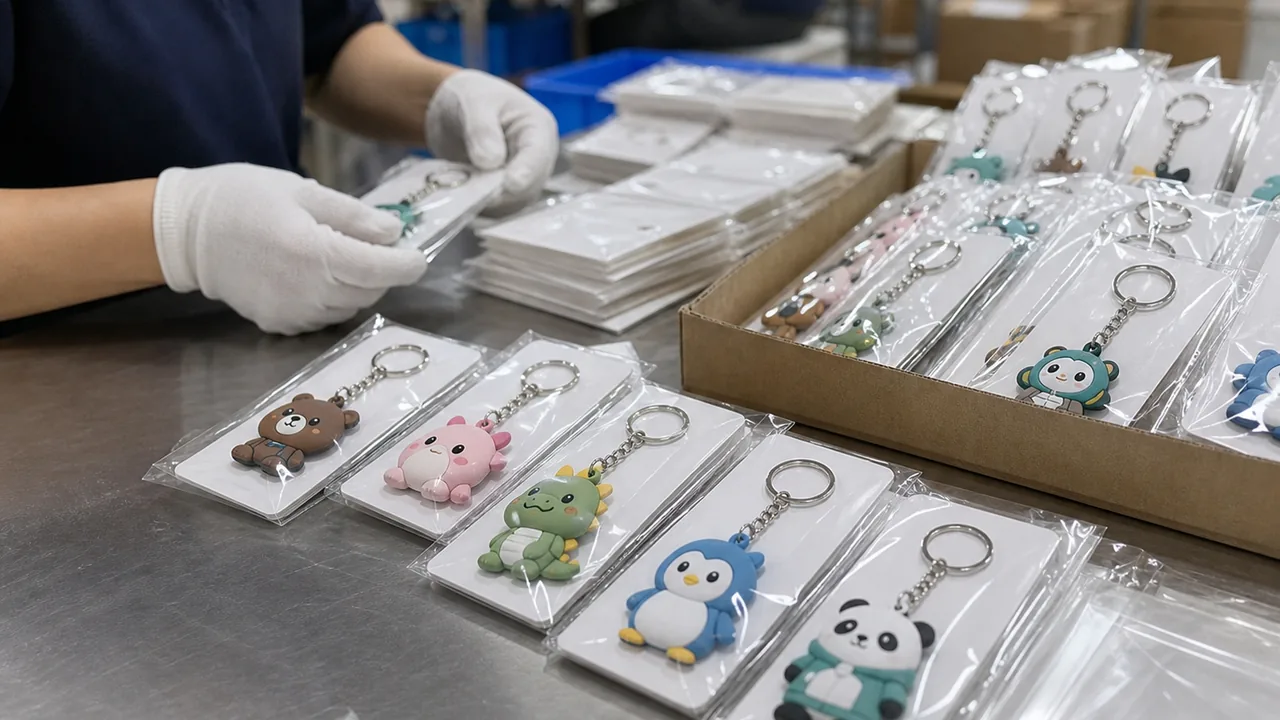
Keep Photos and Judgement Records Before Shipment
Before shipment, compare approved samples, mass production pieces, and packed goods together. If color difference is suspected, record the part, direction, SKU, lot, and quantity so the issue can be corrected in the next run.
- Keep both close-up photos and full product photos for priority colors
- Record NG judgement with quantity, SKU, lot, and affected part
- Check schedule impact early if rework or remake is needed
- Summarize the cause and countermeasure for the next order
Photos alone cannot fully prove color, but they are useful shipment evidence. Manage approved physical samples and QC photos together.
Extra Checks That Reduce Color Difference
Final color is affected by material, spray painting, printing, packaging, and storage conditions together.
PVC material
Material lot and base color can change how paint appears.
- Material lot
- Hardness
- Base color
Spray conditions
Formula, spray distance, and drying time affect color depth.
- Formula
- Passes
- Drying time
Printed color
Pad or tampo printing is affected by base color and ink thickness.
- Base color
- Ink
- Plate control
Surface finish
Matte and glossy finishes can make the same color look different.
- Gloss
- Texture
- Coating
QC criteria
Define priority areas and acceptable limits beyond general AQL.
- Priority area
- Limit sample
- Photos
Change history
When revisions repeat, fix approval version and date clearly.
- Version
- Date
- Approver
Common Causes of Color Difference and Countermeasures
Mass production color issues usually come from incomplete color references, different review environments, changed production conditions, or mixed lots.
| Common Cause | Production Problem | Decide This Early |
|---|---|---|
| Color code without physical sample | The code is correct but the product impression differs | Share physical color and limit samples |
| Different light source | Buyer and factory photos show different colors | Fix light source, background, and photo setup |
| PVC material lot difference | Base color changes the final painted appearance | Record material lot and paint formula |
| Uneven spray thickness | Color depth, gradient, or spot tone varies | Use first article check and work-condition records |
| Different surface finish | Matte/gloss makes color look lighter or darker | Include finish samples in sample approval |
| Packaging and storage impact | Color transfer, yellowing, or gloss changes appear | Check packed samples and storage conditions |
Final Checklist Before Inquiry
Prepare these seven items before asking a factory about PVC figure color control.
- Color codes, physical color samples, and reference samples
- Paint areas, color split lines, and surface-finish specs
- Standard light, background, and photo conditions
- OK / NG / limit sample storage rules
- First article check timing and approver
- SKU quantity, color variants, and lot-control sheet
- Packed-sample and pre-shipment QC photos with judgement notes
Need Help Reviewing PVC Figure Color Samples?
Even if color codes, reference samples, or prototype photos are not fully ready, we can help organize the color-control risks that should be checked before mass production. Send your design files and target quantity when requesting a quotation.